6
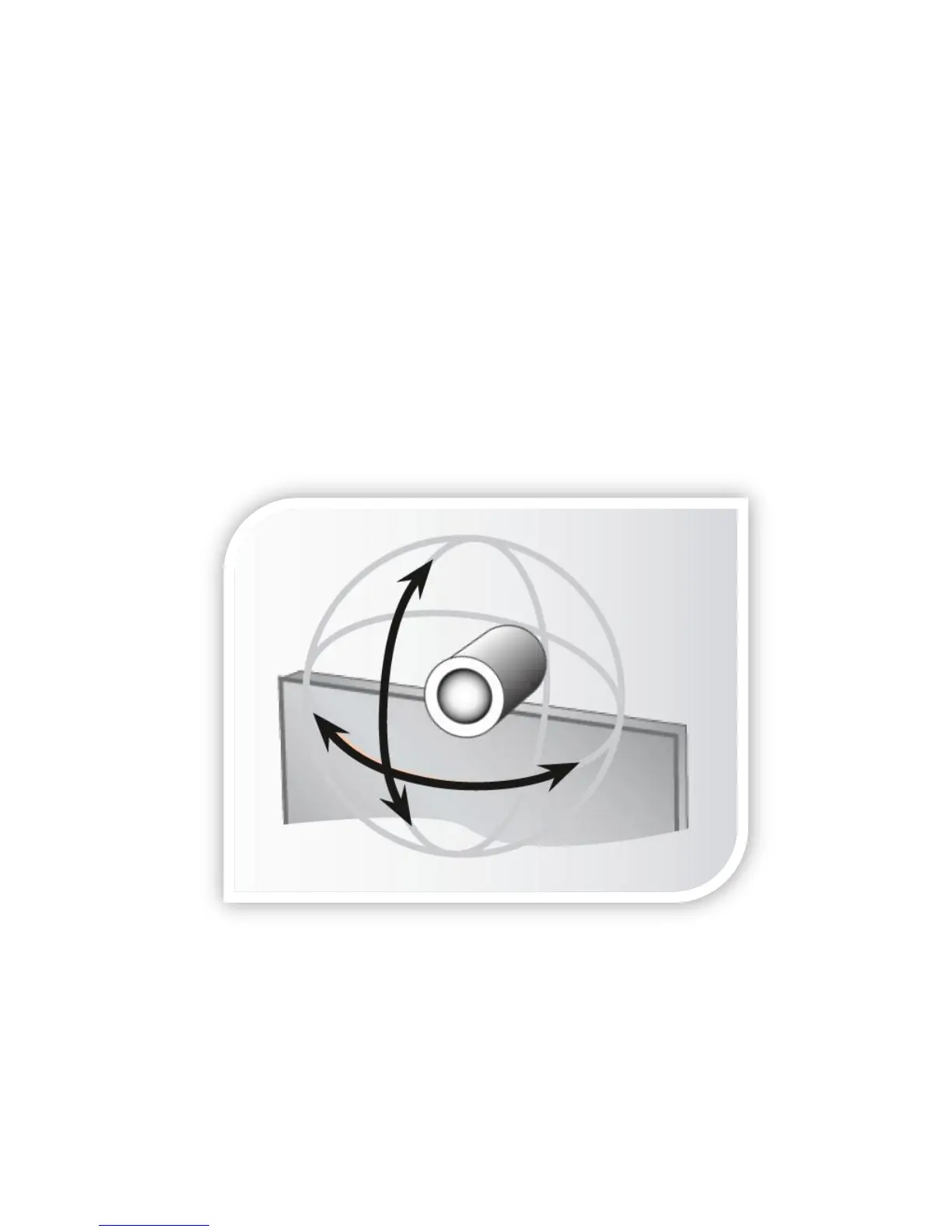
Selfview and Camera Control
Always use the remote control to control your camera.
Selfview
The term Selfview refers to the outgoing image. In a normal video call using the
main camera, this will be the image of yourself.
Camera Control
Press the cancel button to remove any menus from the screen, if necessary. Use
the ARROW keys and the ZOOM keys to move your camera. DO NOT move your
camera manually; always use the remote control.
In Point-to-Point calls, you may be able to control the camera at the Far End using
Far End control (refer to section 3.1).



 To Next Page