7
Standby
The system will automatically go to standby mode when not in use. In standby
mode, the screen will turn black. It is, however, still possible to receive incoming
calls.
Your system must be plugged into the network and electricity to receive updates
and to receive calls. If it is not possible to keep your system plugged in, please
plug it in at least 30 minutes prior to a videoconference.
To enter Standby mode:
When not in a call, press OK to produce the main menu, if needed, and navigate
to the Standby icon.
Press the OK key.
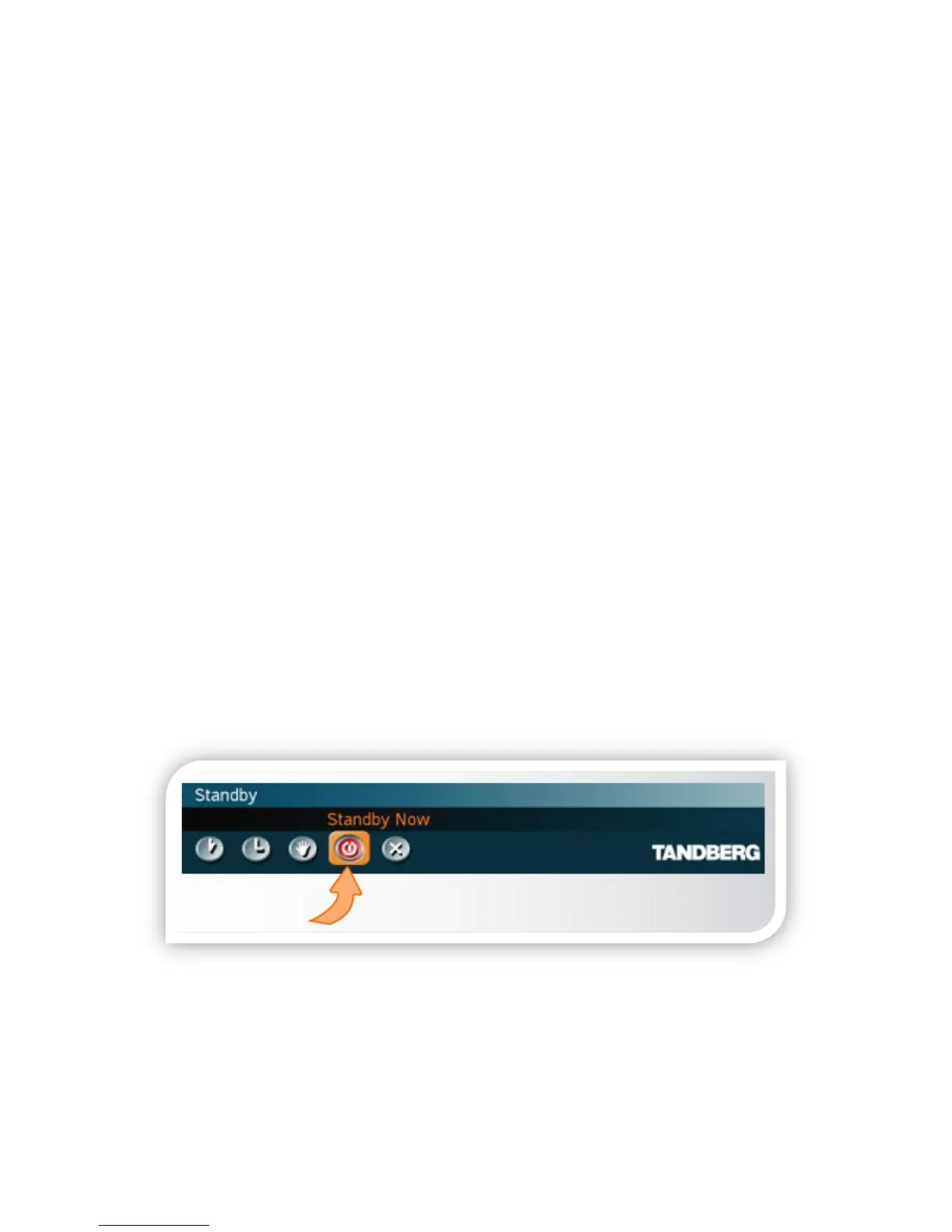
To enter Standby mode “now,” navigate to the Standby Now icon and press the
OK key.
If you do not initiate Standby, the system will do it automatically within ~15
minutes.



 To Next Page