CHAPTER 25 • CGM Alerts and Errors
259
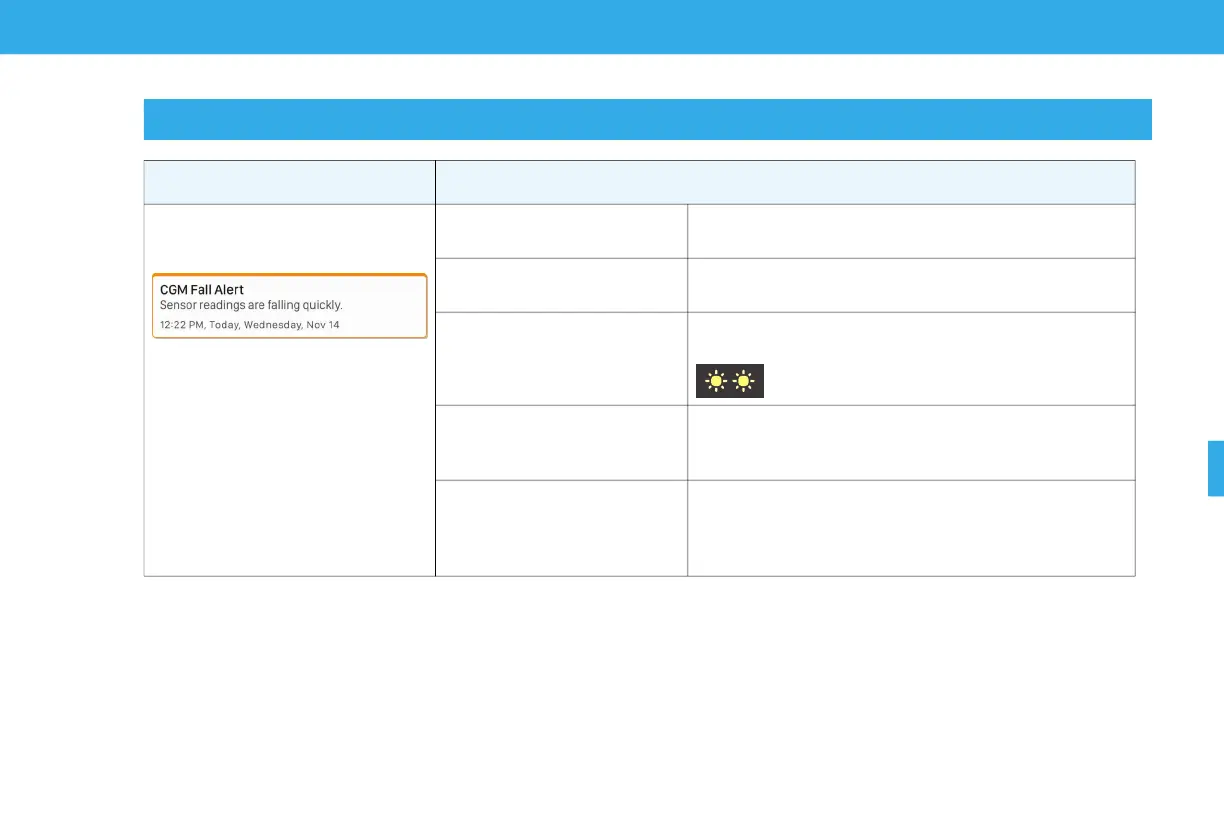
25.13 CGM Fall Alert
Screen Explanation
What will I see on the Tandem Mobi
mobile app screen?
What does it mean?
Your sensor glucose levels are falling at 2 mg/dL per minute or
faster (at least 30 mg/dL in 15 minutes).
What sound setting will I hear or
feel initially?
3 long vibrations.
What pump status lights will I see?
Both lights will blink yellow twice in a row before turning off for one
second. This pattern is repeated for a total of five times.
Will the Tandem Mobi mobile app
and pump re-notify me?
Yes, every 5 minutes with 1 sequence of 3 notes or 3 long vibrations
depending on the beep/vibrate setting selected in Alerts & Sounds
until acknowledged.
How should I respond?
On the Notifications screen, tap on or slide the alert message to the
left. Tap Dismiss to clear the alert.
Test your BG and eat carbs if necessary. Continue to monitor your
BG.


 To Next Page