Need help?
Do you have a question about the Tangent VITA 8000S and is the answer not in the manual?
Important precautions for safe operation and handling of the equipment.
Critical warnings regarding product usage and potential hazards.
Detailed technical specifications of the mainboard components and features.
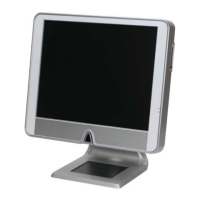
Overview of the barebone system's hardware components and dimensions.
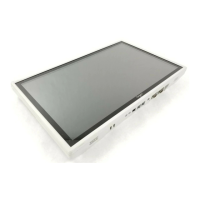
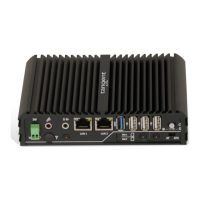
Visual guide to the product's exterior, including key ports and controls.
Overview of the system assembly process and components covered.
Lists essential tools required for hardware installation and assembly.
Diagram showing the placement of major internal hardware components.
Step-by-step guide for installing the Mini-PCI Wireless LAN card.
Instructions for installing the floppy drive and/or card reader module.
Step-by-step procedure for installing the optical drive.
Guide for installing the Hard Disc Drive (HDD) module into the system.
Detailed instructions for installing the CPU and its associated thermal solution.
Procedure for installing the system's memory modules.
Steps to attach the rear cover for the desktop configuration.
Steps to attach the rear cover for the wall-mount configuration.
Instructions on how to access the system's BIOS setup program.
Explanation of keyboard controls for navigating and operating the BIOS menu.
Configuration options for basic system settings like date, time, and drives.
Settings for advanced system performance and functionality configurations.
Options to adjust and optimize chipset-related hardware settings.
Settings to enable or disable onboard system devices and controllers.
Configuration options for managing system power states and saving energy.
Settings for Plug and Play and PCI bus configurations.
Displays current system temperatures, voltages, and fan speeds.
Options to load default or optimized settings for BIOS configuration.
Security features to set supervisor and user passwords for BIOS access.

 To Next Page

 General