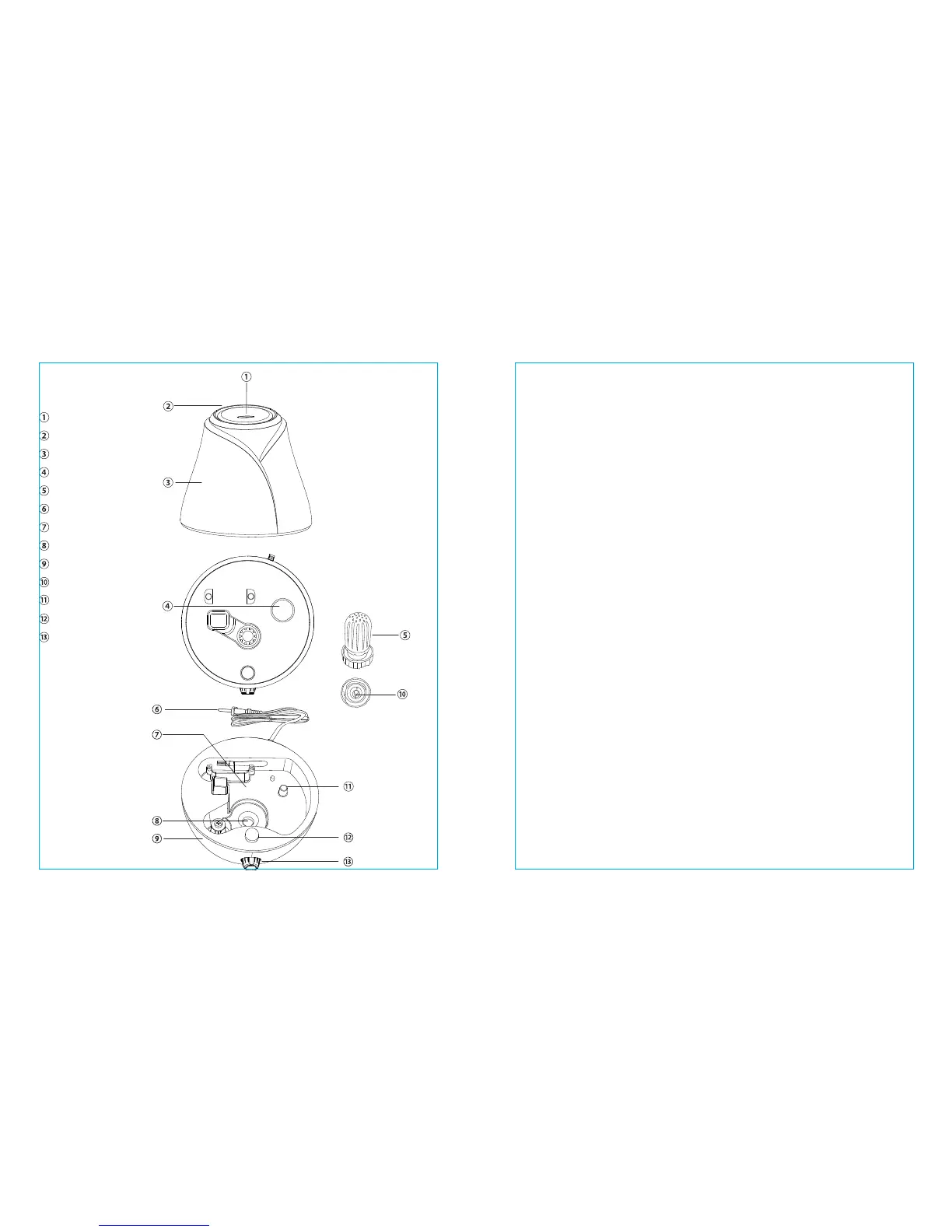
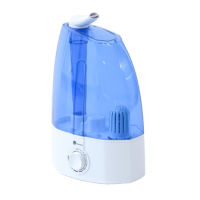
Product Diagram
Nozzle
Handle
Water tank
Water intake
Filter
Power cable
Water sink
Transducer
Base
Floater
Fixer for oater
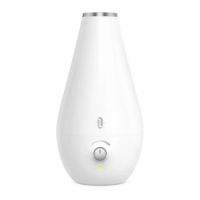
LED indicator
Switch
Important
• Please leave the humidier in the room for at least half an hour before use,
especially when the outdoor temperature is below 5°C / 41°F.
• Do not turn on the unit when no water is in the tank, it will cause
serious damage.
• Do not touch the water in the sink or any component of the sink while the
unit is working.
Adding Water
• Remove the water tank from the base.
• Twist to loosen the switch of the lter on the bottom of the water tank and
ll water in the tank. Twist the lter back on.
• Put the tank back on the base.
Note: Do not ll the water tank via the nozzle.
How to Use
• Turn the switch clockwise passed the “ON” position. A tick sound indicates
the humidier has been turned on. The LED indicator will be green to show
it has started working.
• Keep turning the switch clockwise to increase the evaporation level.
Maximum evaporation is 300mL/h.
• Turn the switch counterclockwise passed the “OFF” position to turn off the
humidier. The LED indicator will be off to show it has stopped working.
Low Water Protection
When the water level drops below a minimum amount, the LED indicator
will become red. When water is depleted, the humidier will
automatically power off.
03/04



 To Next Page