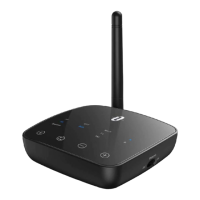
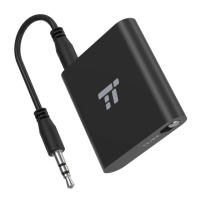
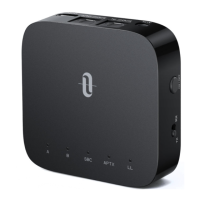
Pair with two devices at the same time
In TX mode:
In TX mode, the adapter is able to pair with two Bluetooth
®
stereo earphones/speakers at the same time.
1. Follow the previous instructions in the “Pairing” section to pair
the TT-BA08 with your rst device.
2. Turn off the Bluetooth
®
function on your rst device, tap the
Power Button twice to pair and connect to your second device.
3. Turn on the Bluetooth
®
function on your rst device. In
approximately 10 seconds, the rst device will automatically
connect in.
Note:
• When you pair with two devices, both can play music at the
same time.
• The adapter will automatically re-pair when powered on.
In RX mode:
In RX mode, the adapter is able to pair with two Bluetooth
®
devices at the same time.
1. Follow previous instructions in the “Pairing” section to pair the
TT-BA08 with your rst device. Disable the Bluetooth
®
function
on your rst device. Tap the Power Button twice to pair with
the second device.
2. Turn on the Bluetooth
®
of the rst device, now TT-BA08 adapter
is successfully paired with both devices.
Note:
• Only one device can play music at any time. You have to
stop the music on one device to play on the other.
• The adapter will automatically re-pair when powered on.
Care and Maintenance
• Do not expose the adapter to direct sunlight or extreme heat.
• Do not try to take the adapter apart. It may cause serious damage.
• Do not drop or knock the adapter on hard surfaces as it
damages the interior circuit.
• Do not use chemicals or detergents to clean the product.
• Do not scrape the surface with sharp objects.
09/10


 To Next Page