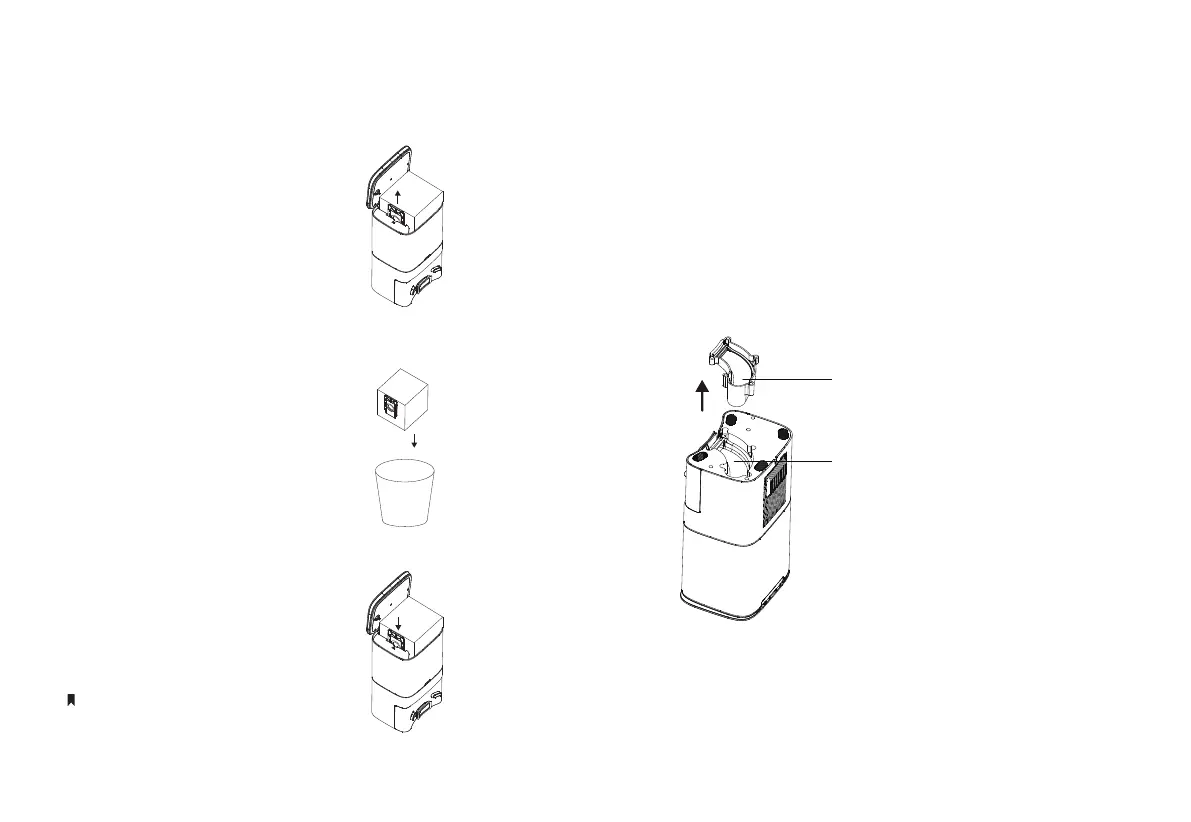
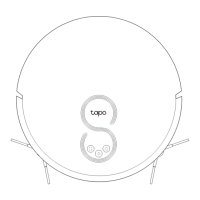
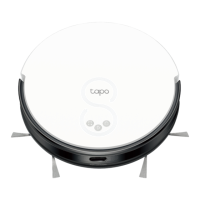
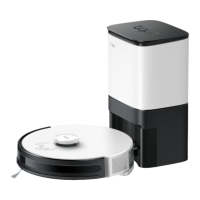
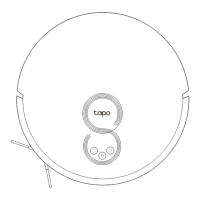
Replace the Bag
1. Open the top cover and pull up
the handle of the dust bag to
remove.
2. Throw away the used dust
bag.
3. Install a new dust bag and
replace the cover.
Clean Up the Dust Channel
Transparent Cover of Dust
Dust Channel
If the LED ashes red after replacing the dust bag, please
check if the dust channel is blocked by foreign objects.
If the dust channel is blocked, use a screwdriver to remove
the transparent cover of the dust channel, and clean out
foreign objects.
Replace the cover each time you open it.
15


 To Next Page