• Cleaning Modes & Preferences
Customize vacuum power, water level, and cleaning
times.
• Scheduled Cleaning
Set an automatic cleaning schedule, then the robot
vacuum will clean automatically at the set time and
return to the dock after cleaning.
OR
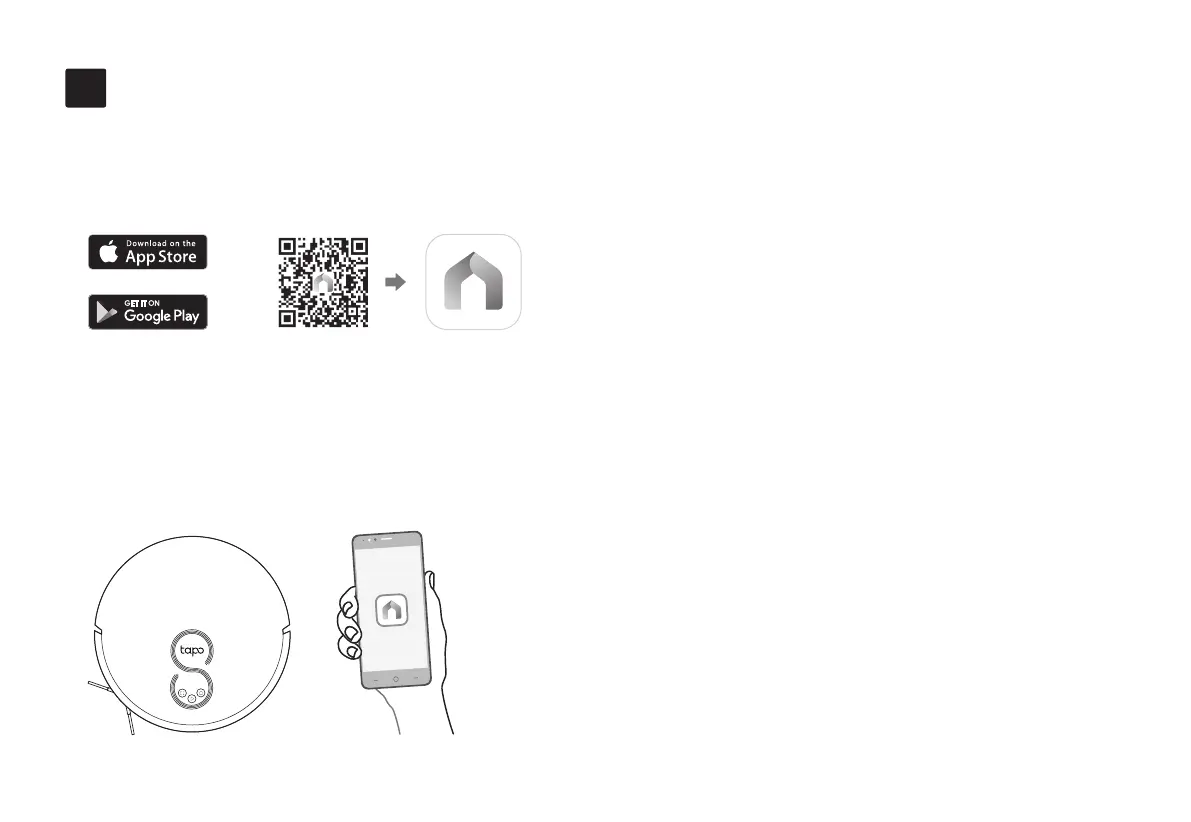
Download the Tapo App and Connect to Wi-Fi
5
1. Download the Tapo app from the App
Store or Google Play, then log in.
2. Open the Tapo app, tap + icon, and select
your model. Follow the step-by-step
instructions to easily set up your robot
vacuum.
In the Tapo app, you can enjoy the following
functions.
7


 To Next Page