13
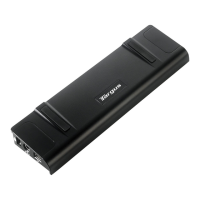
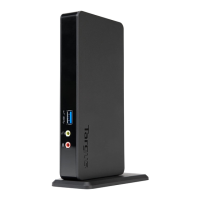
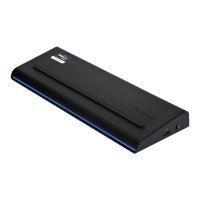
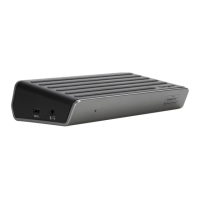
Targus Mobile Docking Station with Video
station video port. Video output will support the following
resolutions and color quality:
Close: Removes the Targus video utility icon from the
system tray. The icon can be replaced from the Start
Menu or from the shortcut on your desktop.
Global Suspend Mode
When your computer is in suspend mode, the docking
station also enters suspend mode to avoid power
consumption. When your computer wakes up, the
docking station wakes up automatically.
640 x 480: 8, 16, 32 bit color depth
800 x 600: 8, 16, 32 bit color depth
1024 x 768: 8, 16, 32 bit color depth
1152 x 864: 8, 16, 32 bit color depth
1280 x 768: 8, 16, 32 bit color depth
1280 x 800: 8, 16, 32 bit color depth
1280 x 960: 8, 16, 32 bit color depth
1280 x 1024: 8,16, 32 bit color depth
1400 x 1050: 8, 16 bit color depth
1440 x 900: 8, 16, 32 bit color depth
1600 x 1200: 8, 16 bit color depth




 To Next Page