
 Need help?
Do you have a question about the Targus AWE01US and is the answer not in the manual?
Illustrates the initial step of unpacking the Targus ChillHub notebook cooling pad.
Guides on connecting the cooling pad's USB and power adapter to the laptop for operation.
Provides specific instructions for correctly inserting the power adapter plug for secure attachment.
Details the final connection steps and how to power on the notebook cooling pad.
Offers contact details for technical assistance and outlines the product's warranty terms.
Explains compliance with FCC rules, including potential interference and user correction measures.
 General
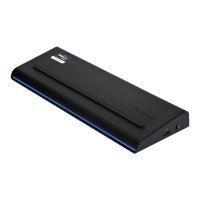
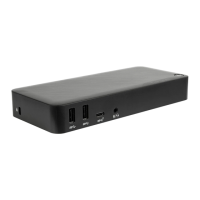
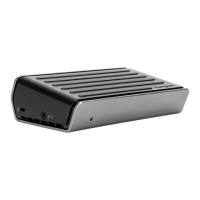
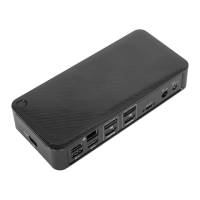
| Product Type | Docking Station |
|---|---|
| Model | AWE01US |
| Color | Black |
| Connectivity Technology | USB 3.0 |
| Ports | USB 3.0 |
| Compatibility | Mac |



 To Next Page