6
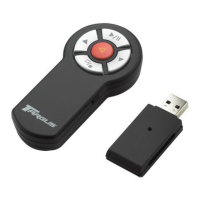
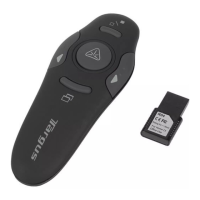
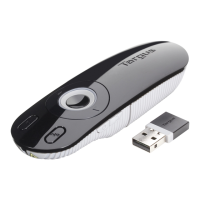
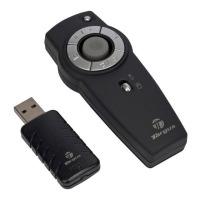
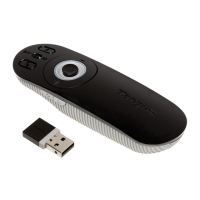
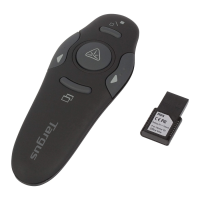
Targus Wireless Remote Presenter
modes, switch the Function button upward for Presentation
mode or downward for Mouse mode.
The various mode features are listed in the table below.
Button Mouse Mode Presentation Mode
1 Left click Page up
2 Right click Page down
3 Internet page forward Start/Stop
4 Internet page backward Screen go dark
5 Cursor control No function
6 No function Laser Pointer
7
L = Mouse mode K = Presentation mode
8
K = On / L = Off K = On / L = Off
1
2
3
4
5
6
7
8


 To Next Page