7
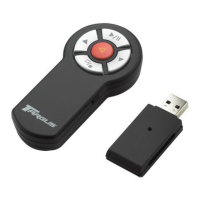
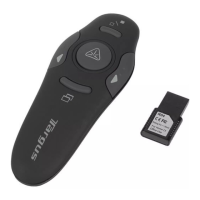
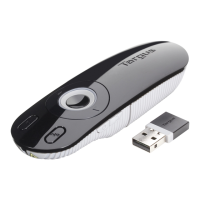
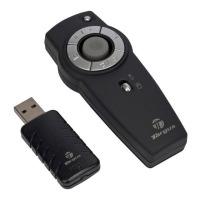
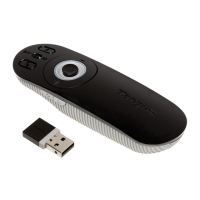
Targus Wireless Remote Presenter
Switching Channels
In some instances, radio frequency interference may require
you to switch to an alternate channel. To do this:
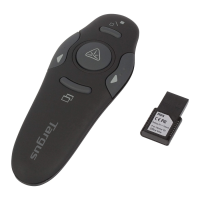
1 Press and release the button at the end of the receiver.
2 Within ten seconds, press and release the connection
button on the back of the presenter.
Connection button
Connection
button

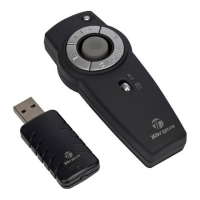

 To Next Page