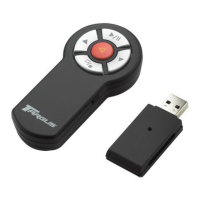
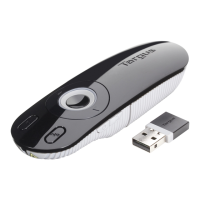
Need help?
Do you have a question about the Targus Wireless presenter and is the answer not in the manual?
Details the required hardware, specifically the USB interface for connection.
Lists compatible operating systems: Windows 2000, XP, and Vista.
Instructions for powering the presenter by installing a single AAA battery and switching it on.
Details specifications for the transmitter, including RF, battery, range, output power, and consumption.
Details specifications for the receiver, including RF, interface, and power.
 General
| Laser Pointer | Yes |
|---|---|
| Laser Color | Red |
| Operating System Compatibility | Windows, macOS |
| Power Source | Battery |
| Receiver Interface | USB |
| Battery Life | Up to 12 months |
| Wireless Technology | RF |
| Wireless Range | 50 ft |
| Controls | Laser Pointer |
| Battery Type | 2 x AAA |
| Receiver | Stores inside presenter |

 To Next Page