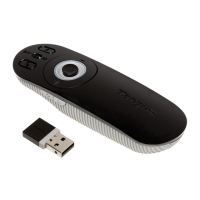
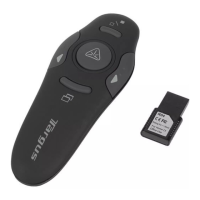
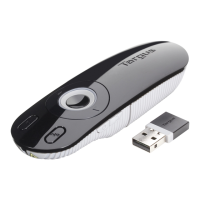
Wireless Presenter with Laser Pointer
Installing The Battery
If the presenter is on, slide the on/off switch located on the
side of the presenter to the “off” position.
Setting Up Your Wireless Presenter
Insert the supplied battery, making sure the positive (+) and
negative (-) ends of the battery match the polarity indicators
inside the battery compartment.
Slide the battery cover back into position until it “clicks” firmly
into place.
Turn on the presenter.
Battery
Cover


 To Next Page