Need help?
Do you have a question about the Targus AMP03US and is the answer not in the manual?
Lists included items: wireless presenter, USB receiver, AAA battery, user guide, and carrying pouch.
Specifies the necessary hardware, which is a USB port on the computer.
Details the supported operating systems, namely Windows ME, 2000, and XP.
Step-by-step guide for inserting the battery into the presenter, ensuring correct polarity.
Instructions for plugging the USB receiver into a computer's USB port for initial setup.
Procedure to re-establish the wireless link between the presenter and receiver if auto-sync fails.
Provides troubleshooting steps for common issues like slow performance or connection drops.
Outlines FCC compliance rules, including interference potential and recommended user actions.
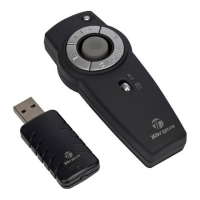
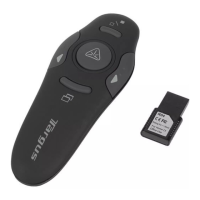
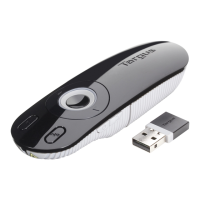
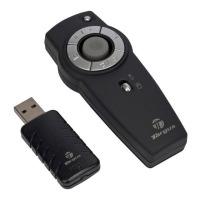
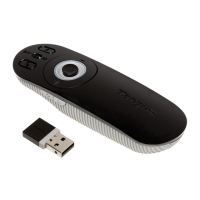
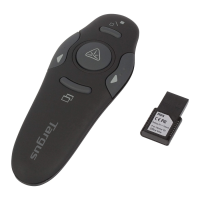
The Targus Wireless 2.4 GHz Presenter with Laser Pointer is a versatile tool designed for effective presentations. It combines the functionality of a wireless presenter with a laser pointer, offering a comprehensive solution for controlling presentations and highlighting key information.
This device serves as a remote control for presentations, primarily designed to emulate command keys in PowerPoint®. It allows users to navigate through slides, highlight content with a laser pointer, and manage the presentation flow from a distance. The wireless presenter operates on 2.4 GHz technology, providing a reliable connection and extended range.
The presenter features four control buttons that correspond to common presentation commands:
The device offers true plug-and-play capability, meaning no additional software drivers are needed for installation. Users simply plug the USB receiver into an available USB port on their computer, and the operating system will automatically identify and install the default driver. The receiver and presenter are designed to synchronize automatically upon connection.
The device incorporates a Class 2 laser product, and specific safety guidelines must be followed:
The Targus Wireless 2.4 GHz Presenter with Laser Pointer is a user-friendly and efficient device for professionals who frequently deliver presentations, offering convenience, reliability, and essential control features.
 General
| Brand | Targus |
|---|---|
| Model | AMP03US |
| Category | Digital Presenters |
| Language | English |

 To Next Page