6
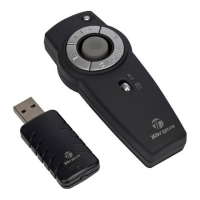
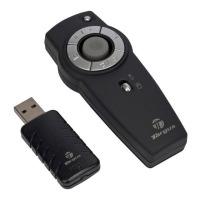
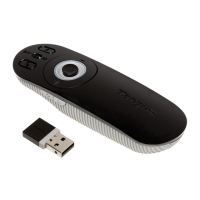
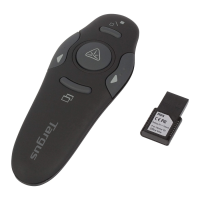
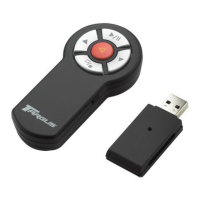
Targus Wireless 2.4 GHz Presenter with Laser Pointer
3 Insert the supplied battery, making sure the positive (+)
and negative (-) ends of the battery match the polarity
indicators inside the battery housing.
4 Slide the battery cover back into position until is "clicks"
firmly into place.
5 Turn on the presenter.
Connecting The Receiver
Plug the USB receiver into an open USB port on your
computer. Your computer's operating system will identify
the receiver and install the default driver.
Synchronizing Your Wireless Presenter
The receiver and presenter should synch up automatically.
However, in some cases they may not synchronize properly
due to environmental interference or other causes. If this is
the case, you must re-establish the link. To do this press


 To Next Page