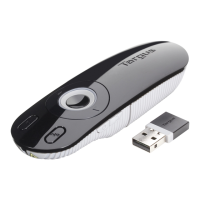
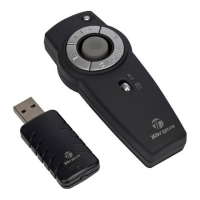
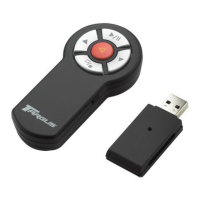
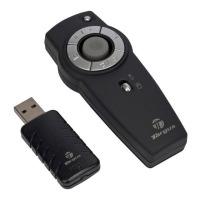
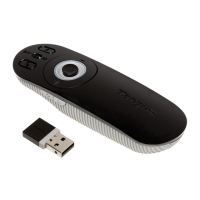
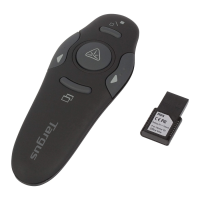
Targus Wireless Presenter with Laser Pointer Targus Wireless Presenter with Laser Pointer
7 8
folding line
2 staples here (saddle stitching)
folding line
2 staples here (saddle stitching)
Open size: 9”W x 4.5”H Folded Size: 4.5”W x 4.5”H Material: 80gsm woodfree paper Color: Grayscale
Diecut
Using your Wireless Presenter
On/Off switch
Connect button
Previous Page
Next Page
Dark screen
Escape / Resume
Laser button
• To avoid possible eye damage, never point the presenter’s laser at people, especially
their faces, or look directly into the presenter’s laser beam.
• Avoid pointing the presenter’s laser beam at a mirror or other highly-reective surface.
• Keep the presenter away from young children.
• Never view the presenter’s laser beam using telescopic devices, such as a microscope or
binoculars.
• Any attempt to disassemble, adjust or repair the presenter may result in exposure to laser
light or other safety hazards.
What do I do if the response time of the presenter is slow or it intermittently stops
working?
• Make sure that the presenter is within 40 feet (12 m) of its receiver.
• Increase the distance between the presenter’s receiver and the base units of other
wireless devices.
• Turn o any wireless devices and their base units that are near the presenter’s receiver.
• Replace the battery.
• Synchronize the receiver and presenter. See “Synchronizing Your Wireless Presenter”
Safety Measures
Troubleshooting


 To Next Page