Wireless Mouse
10
Wireless Mouse
11
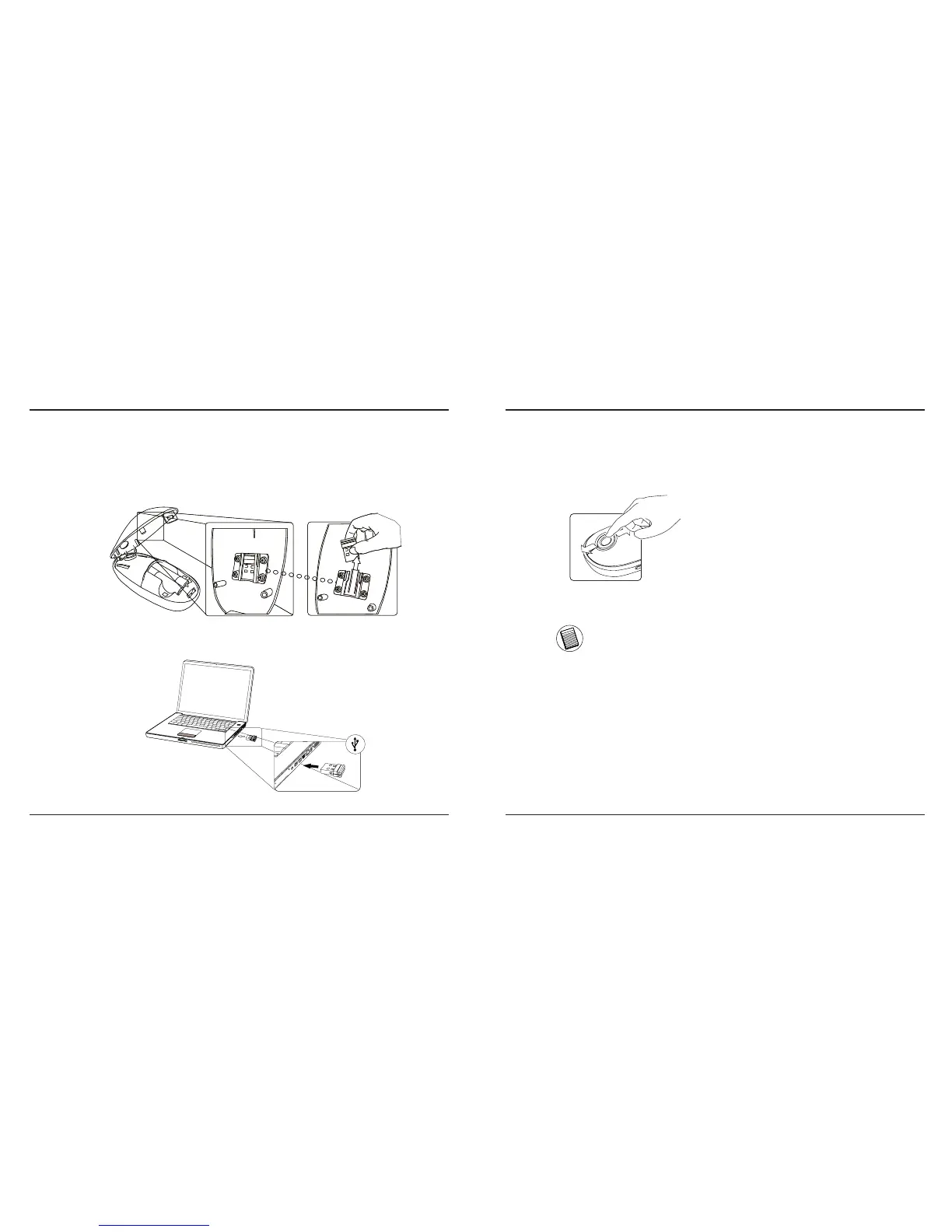
• Remove the mini USB receiver from the bottom of the mouse
cover.
• Plug the USB receiver into an available USB port on your
computer
• You are ready to use the mouse.
Establishing the Connection Using the Touch Scroll
• Slide your finger over the Touch Scroll
sensing area to use the scrolling
function.
NOTE: PLEASE REMOVE THE PROTECTIVE PLASTIC FILM ON THE
TOUCH SCROLL BEFORE USING THE DEVICE.


 To Next Page