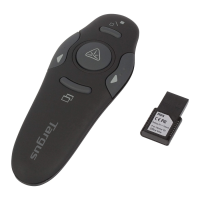
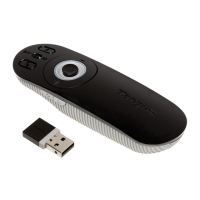
Targus wireless presenter with cursor control
Switching Channels
In some instances, radio frequency interference may
require you to switch to an alternate channel. To do this:
0RESSÖANDÖRELEASEÖTHEÖBUTTONÖATÖTHEÖENDÖOFÖTHEÖRECEIVER
2 Within ten seconds, press and release the connection
button on the back of the presenter.
#ONNECTIONÖBUTTON
#ONNECTION
BUTTON
5



 To Next Page
 Loading...