3 4
Contents
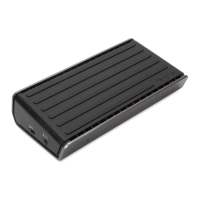
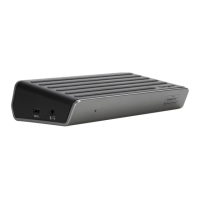
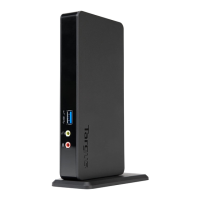
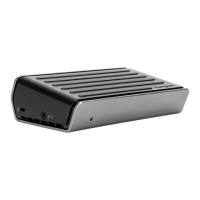
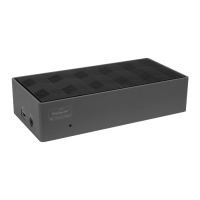
• USB-C DisplayPort Alt Mode Docking Station with 85W Power PD
• USB-C cable
• AC Power adapter
Workstation Setup
1. Connect all peripheral devices to the docking station.
2. Connect the Targus Universal Docking Station to your host device.
* Requires host graphic adapter supporting Multi-Stream Transport (MST) Mode;
Mac laptops do not support MST Mode.
# Some graphic adapter requires laptop monitor turned o to enable tri monitor
display mode.
GB
Targus USB-C DisplayPort Alt Mode Docking Station with 85W Power PD Targus USB-C DisplayPort Alt Mode Docking Station with 85W Power PD
Specifications
• Display mode supporting, (i) DP++ (ii) DP++ (iii) HDMI
• 1x USB-C upstream port (Supports Power Delivery 3.0 up to 85W max)
• 4 x USB 3.2 Gen 1 downstream ports (port marked with supports BC 1.2 and
iOS device charging at 2.4A max)
• 1x USB-C downstream port (USB 3.2 Gen 2, Data only)
• Gigabit Ethernet
• Combo Audio (3.5mm headset connector)
• Security lock slot
• USB-C cable
• 150W AC power adapter
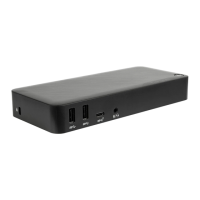
Docking Station Diagram
Monitor & Resolution
Gigabit
Ethernet
HDMIDP++
USB 3.2
Gen 1
USB 3.2
Gen 1
USB 3.2
Gen 1
USB C
USB-C
upstream to Laptop
(with Power)
Lock Slot
Audio Headset Connector
Power In
Power Button
+
Host Graphic DP++ DP++ HDMI
DP 1.2 3840 x 2160 p30 3840 x 2160 p30 3840 x 2160 p30
DP 1.4 3840 x 2160 p60 3840 x 2160 p60 3840 x 2160 p60
DP 1.2 1920 x 1080 p60 1920 x 1080 p60 1920 x 1080 p60
DP 1.4 2560 x 1440 p60 2560 x 1440 p60 2560 x 1440 p60
DP 1.2 1920 x 1080 p30 1920 x 1080 p30 1920 x 1080 p30
DP 1.4 1920 x 1080 p60 1920 x 1080 p60 1920 x 1080 p60
Single Video
(choose any one output)
Dual Video*
(choose any two outputs)
Tri Video*#
(use all outputs)


 To Next Page
 Loading...