7 8
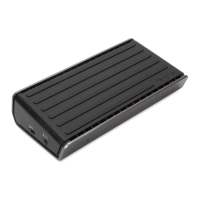
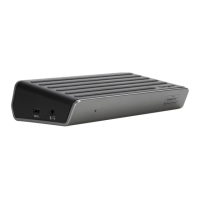
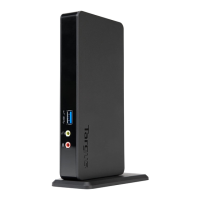
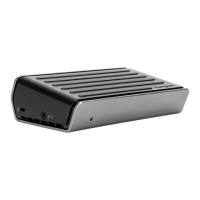
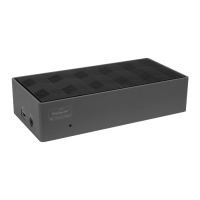
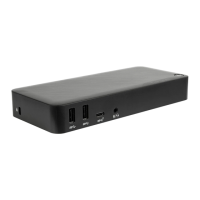
Targus USB-C DisplayPort Alt Mode Docking Station with 85W Power PD
Inhalt
• USB-C DisplayPort Alt-Modus Dockingstation mit 85 W Schnell-Ladung
• USB-C-Kabel
• Netzadapter
Die Workstation einrichten
1. Schließen Sie alle Peripheriegeräte an die Dockingstation an.
2. Schließen Sie die Targus-Dockingstation an Ihr Host-Gerät an.
DE
USB-C DisplayPort Alt-Modus Dockingstation mit 85 W Schnell-Ladung
Spezifikationen
• Unterstützt Anzeigemodus, (I) DP++ (ii) DP++ (iii) HDMI
• 1 x USB-C-Upstream-Port (unterstützt PD 3.0 bis max. 85 W)
• 4 x USB 3.2 Gen 1 Downstream-Ports (mit gekennzeichneter Anschluss
unterstützt BC 1.2 und iOS-Geräteaufladung bei max. 2,4 A)
• 1 x USB-C Downstream-Port (USB 3.2 Gen 2, nur Daten)
• Gigabit-Ethernet
• Audio Combo (3,5 mm Headset-Anschluss)
• Integrierter Anschlus für Sicherheitsschloss
• USB-C-Kabel
• 150 W Netzadapter
+
Manufacturer
Address
Commercial Registration Number
Model
Input voltage
Input AC frequency
Output voltage
Output current
Output power
Average active eciency
Eciency at low load (10 %)
No-load power consumption
Chicony Power Technology Co., Ltd.
No. 69, Sec. 2, Guangfu Rd., Sanchong
Dist., New Taipei City 241 Taiwan
24284436
A16-135P1A
100-240V~
50-60Hz
DC 20.0V
6.75A
135.0W
90.22%
88.51%
0.1696W
Above information can be found at importer website www.targus.com
External Power Supply Information


 To Next Page
 Loading...