Introduction
System Requirements
Hardware
•PC
• USB interface
Operating System
• Windows
®
98SE/ME/2000/XP
TARGUS WIRELESS
MULTIMEDIA
PRESENTER WITH
TRACKBALL
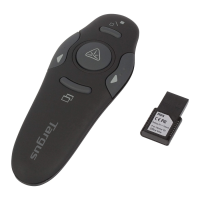
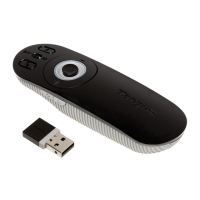
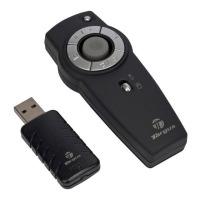
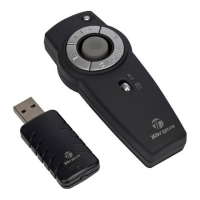
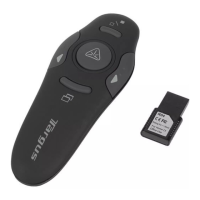
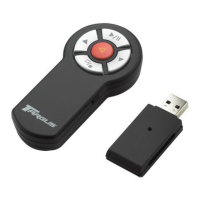
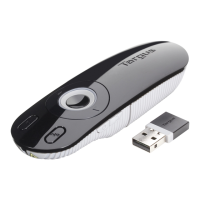
Congratulations on your purchase of the Targus Wireless
Multimedia Presenter with Trackball. The presenter is a
combination trackball mouse and multimedia presenter. With
thepresenter you can control cursor movement anywhere
within 20m of its receiver and project ared laser pointer beam.
NOTE: THE ACTUAL EFFECTIVE DISTANCE MAY INCREASE OR DECREASE
DEPENDING ON THE SURROUNDING ENVIRONMENT.
The Targus Wireless Multimedia Presenter also features
primary and secondary buttons (left and right mouse click
buttons) that emulate the page up/down keys when in
Presenter Mode and volume up/volume down keys when in
Multimedia Mode.
• Windows Vista™
3



 To Next Page