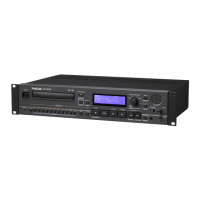
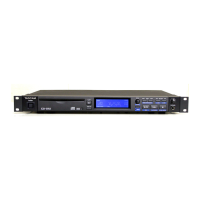
Name and Function
A
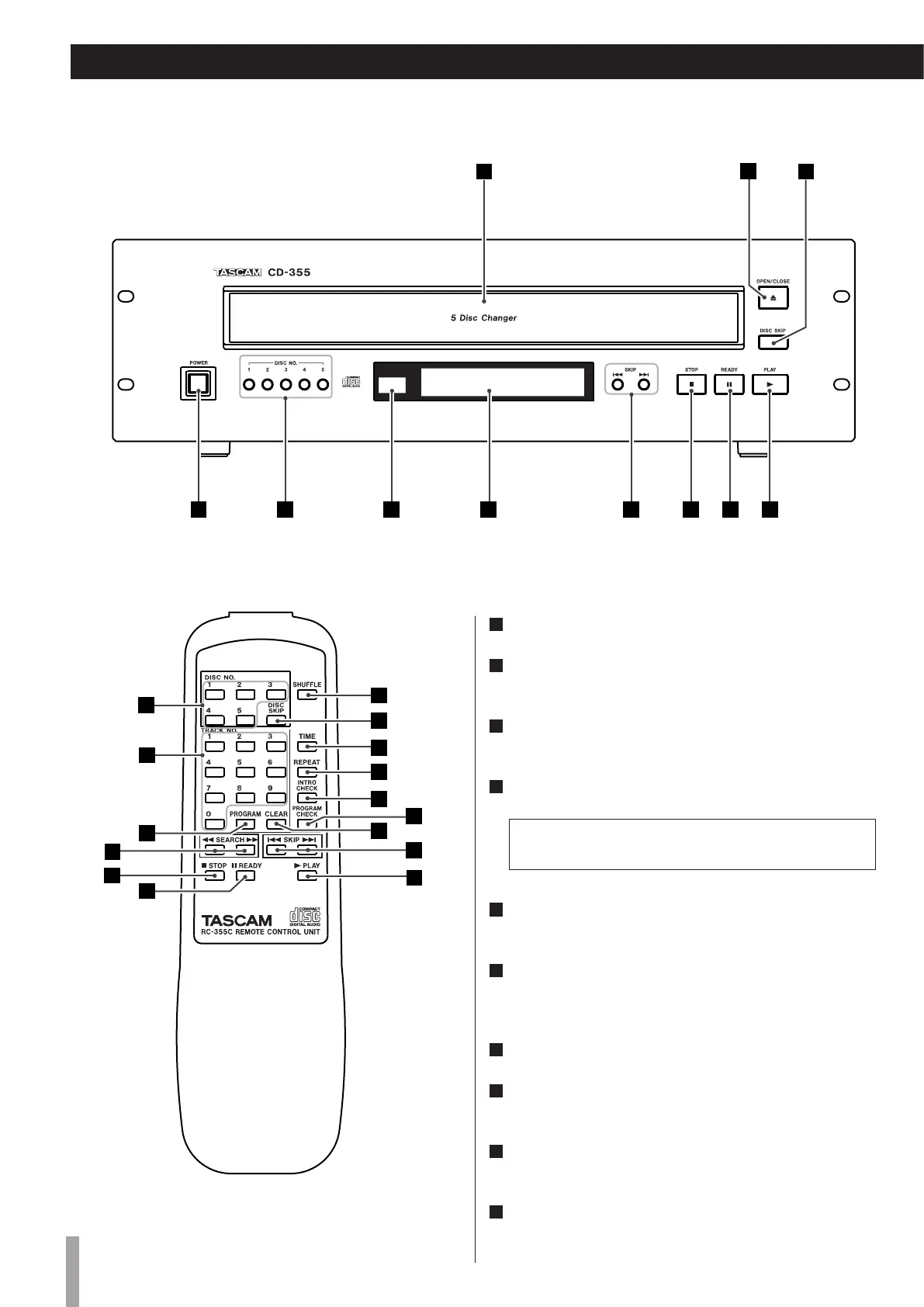
Disc tray
B
OPEN/CLOSE
Use this button to open and close the disc tray.
C
DISC SKIP
Use this button to skip discs.
D
POWER
Press this button to turn the unit on or off.
The equipment draws nominal non-operating power from
the AC outlet with its POWER switch in the OFF position.
E
DISC NO.
Use these buttons to slect a disc.
F
Remote Sensor
When operating the remote control unit, point it towards the
remote sensor.
G
Display
H
Skip/Search buttons
Use these buttons to skip or search tracks.
I
STOP (H)
Use this button to stop playback.
J
READY (J)
Use this button to standby for playback.



 To Next Page