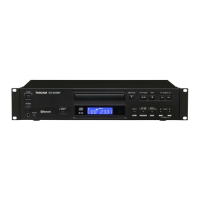
TASCAM CD-400U
17
2 – Names and Functions of Parts
y A-B REP button
When the current source is CD, press to set the A-B repeat
function starting (A) and ending (B) points. (see “A-B repeat
playback settings (audio CDs only)” on page 28)
u REPEAT button
Press to turn the repeat playback function on/off. (see “Ordi-
nary repeat playback settings” on page 27)
i P.MODE button
Press to cycle through the playback modes (ordinary, single
and random). (see “Playback modes” on page 26)
o P.AREA button
When the current source is USB or SD, press to set the play
area. (see “Setting the playback area” on page 24)
p CLEAR button
This has the same function as the CLEAR button on the main
unit.
a DIMMER button
Use to adjust the display brightness. (see “Adjusting the dis-
play brightness” on page 20)
s P.O.PLAY button
Press to turn power-on-play on/off. (see “Using the power-on-
play function” on page 28)
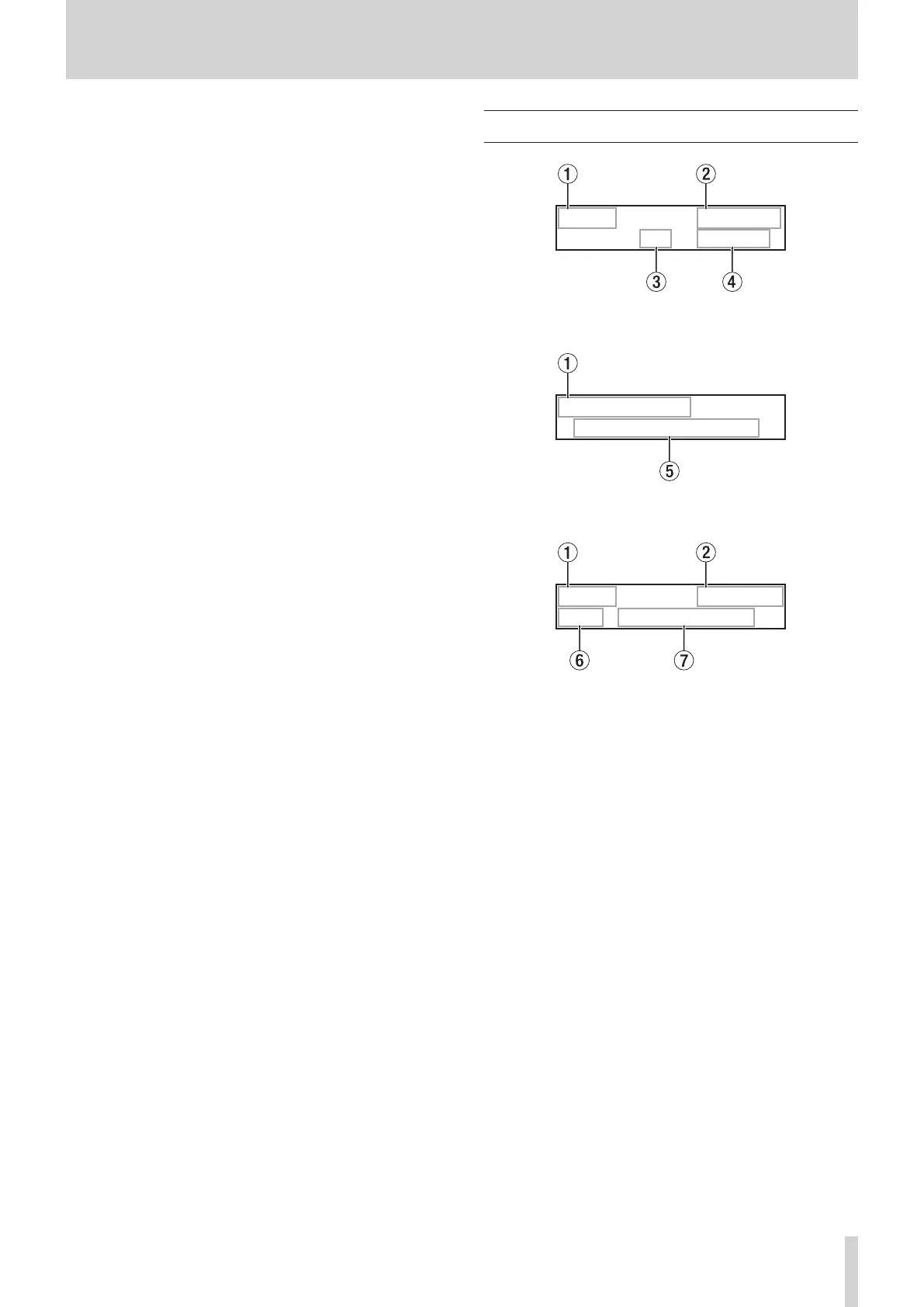
Home Screen
CD PLAY
01 00:10
Home Screen when CD/USB/SD selected
BLUETOOTH
Connected
Home Screen when Bluetooth selected
FM STEREO
P01 80.00MHz
Home Screen when AM/FM selected
1 Current source
This shows the name of the currently selected input source.
(see “Selecting the playback source.” on page 22)
2 Transport status/playback file format
i
When the current source is CD, this shows the transport sta-
tus.
i
When the current source is CD, but a data CD is loaded or
when the current source is USB/SD, this shows the playback
file format.
3 Track number
This shows the number of the currently playing track.
4 Elapsed time from track beginning
This shows the elapsed time from the beginning of the cur-
rent track (hours: minutes: seconds).
5 Connection status
This shows the connection status with other Bluetooth devic-
es and messages.
6 Preset number
When the current source is AM or FM and preset mode is en-
abled, this shows the preset number.
7 Frequency received
If the current source is AM or FM, this shows the frequency re-
ceived.


 To Next Page