01/25/12
Page 2 of 2
DP-24
7733 Telegraph Rd • Montebello, CA • 90640 • 323.726.0303 • www.tascam.com
© 2011 TASCAM, a division of TEAC America. All trademarks are the property of their respective holders. All rights
reserved. Design and specifications subject to change without notice.
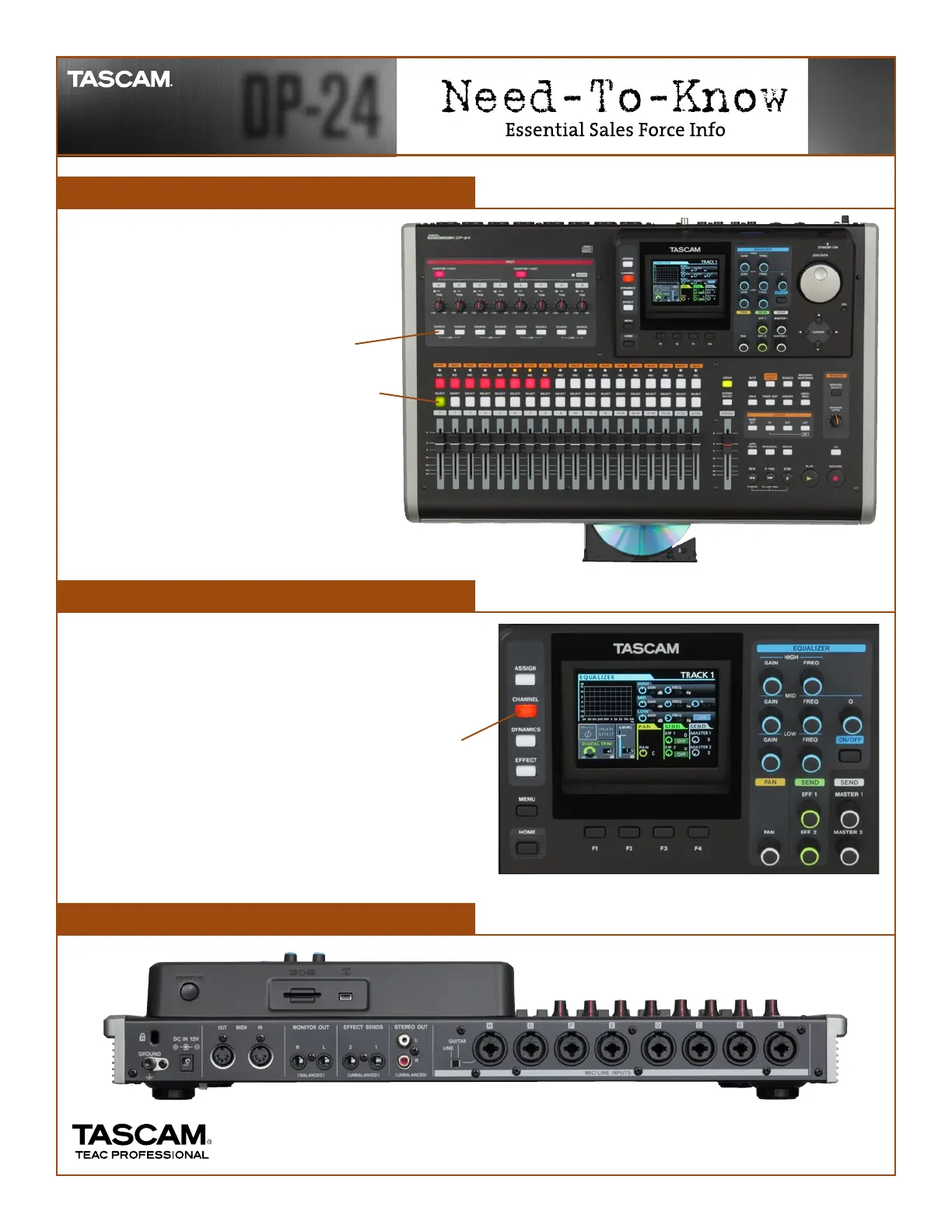
Assigning Tracks
Channel Settings
Rear Panel View
Routing inputs to tracks is simple on the
DP-24.
1. Press the ASSIGN button located by the
top left of the display
2. Press and hold one of the SOURCE
buttons under the eight input trim knobs
3. Press the SELECT button over the track
you want to record to.
4. Release both buttons. Press the REC
button to arm that track for recording.
To adjust the EQ, pan and effects for a track:
1. Press the SELECT button of the track you want to
adjust
2. Press the CHANNEL button on the left of the display
3. Press the EQ ON/OFF button to switch on the EQ and
twist some knobs
4. Adjust the EFF 1 knob to send to the built-in reverb
send effect










 To Previous Page