Page | 2
Setup of Tascam – how to reset to basic settings
Initialising the Tascam
Initialise resets the Tascam its factory setting. This is useful to reset the Tascam before use incase
another student changed the menus.
To initialise go
• MENU
• SETUP
• INITIALIZE
• Press ENTER for YES
On/Off switch
Press and hold Power button to turn on and off. If this does not work, make sure the hold button is not
switched on.
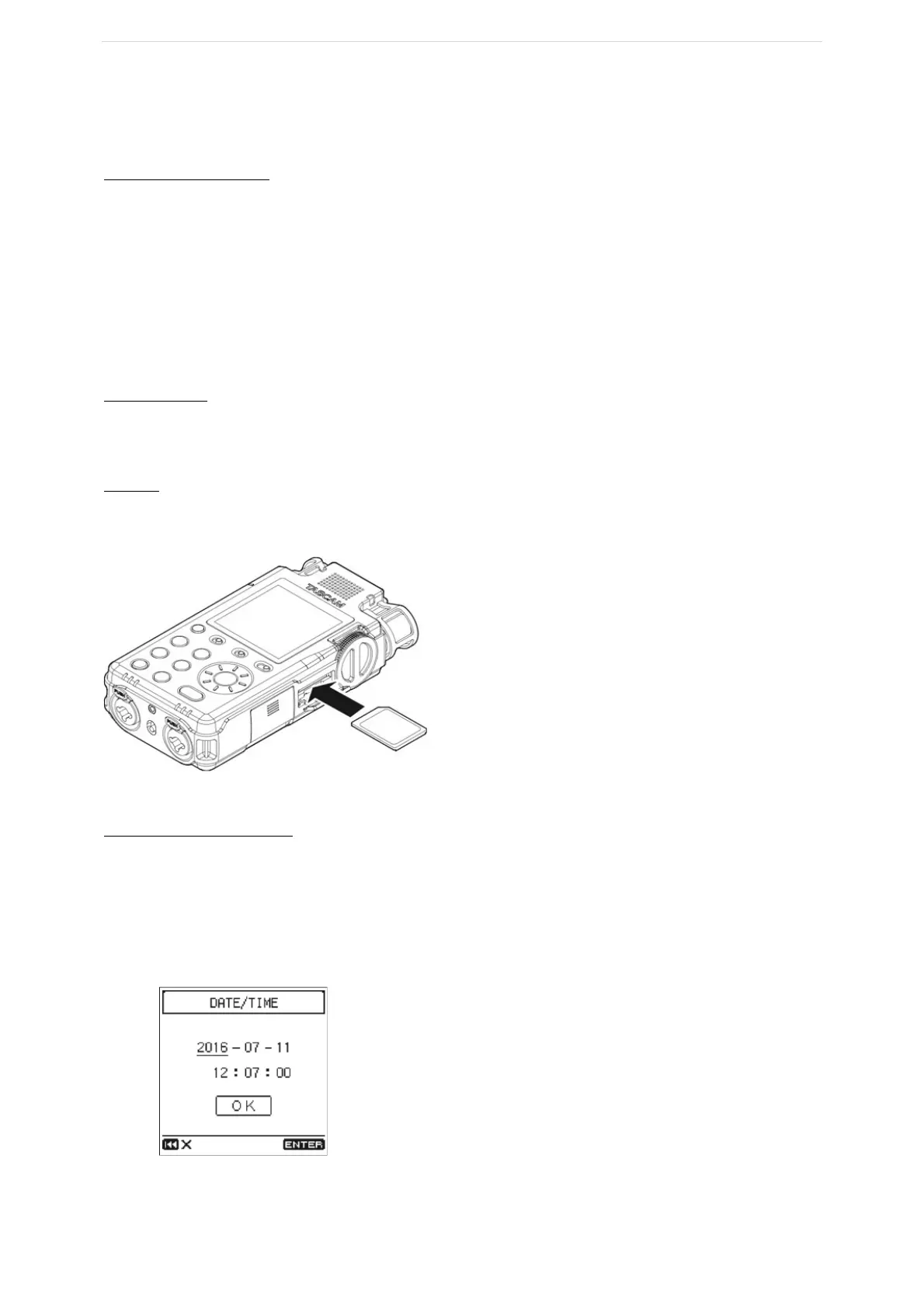
SD card
There is a slot on the side panel that can be opened. The SD card is then released by pressing down. Be
careful as this can fly out.
Setting the date and time
• SYSTEM
• DATE / TIME
• Turn the wheel to move the cursor to the item - press
enter
• Turn the wheel to change the value - press enter
• Turn the wheel to move the cursor to OK



 To Next Page