Need help?
Do you have a question about the tau K590M and is the answer not in the manual?
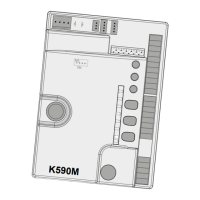
Diagram illustrating connections for K590M control unit components and terminals.
Crucial safety precautions for installers and users of the K590M control unit.
Requirements and features for installing the K590M control panel.
Details on power, voltage, fuses, and operating temperature for K590M.
Explanation of functions and descriptions for each terminal on the K590M.
Adjusting motor torque (FR) and obstacle sensitivity (SENS) using trimmers.
Configuration of the automatic closing time delay for the K590M.
Explanation of dip switch settings for K590M control unit functions.
System response to obstacles during gate opening and closing.
Step-by-step guide for setting gate stroke limits on the K590M.
How to learn and manage radio transmitters for the K590M control unit.
Procedures for remote transmitter programming and memory expansion.
How to perform radio memory reset and factory hard reset.
Using the clock function to control gate open times.
Interpreting LED signals for status, errors, and programming on the K590M.
Instructions for connecting and using TAU mobile apps with the K590M.
Steps to return the gate automation to normal operation.
Common issues and troubleshooting steps for the K590M automation.
Declaration of conformity with EU directives and safety requirements.
 General
| Brand | tau |
|---|---|
| Model | K590M |
| Category | Control Unit |
| Language | English |

 To Next Page