EasyManua.ls Logo

Taurus I3021T - User Manual

Taurus I3021T
127 pages
Go to English
Print Icon
To Next Page IconTo Next Page
Loading...
PLACA VITROCERÁMICA
INDUCCIÓN
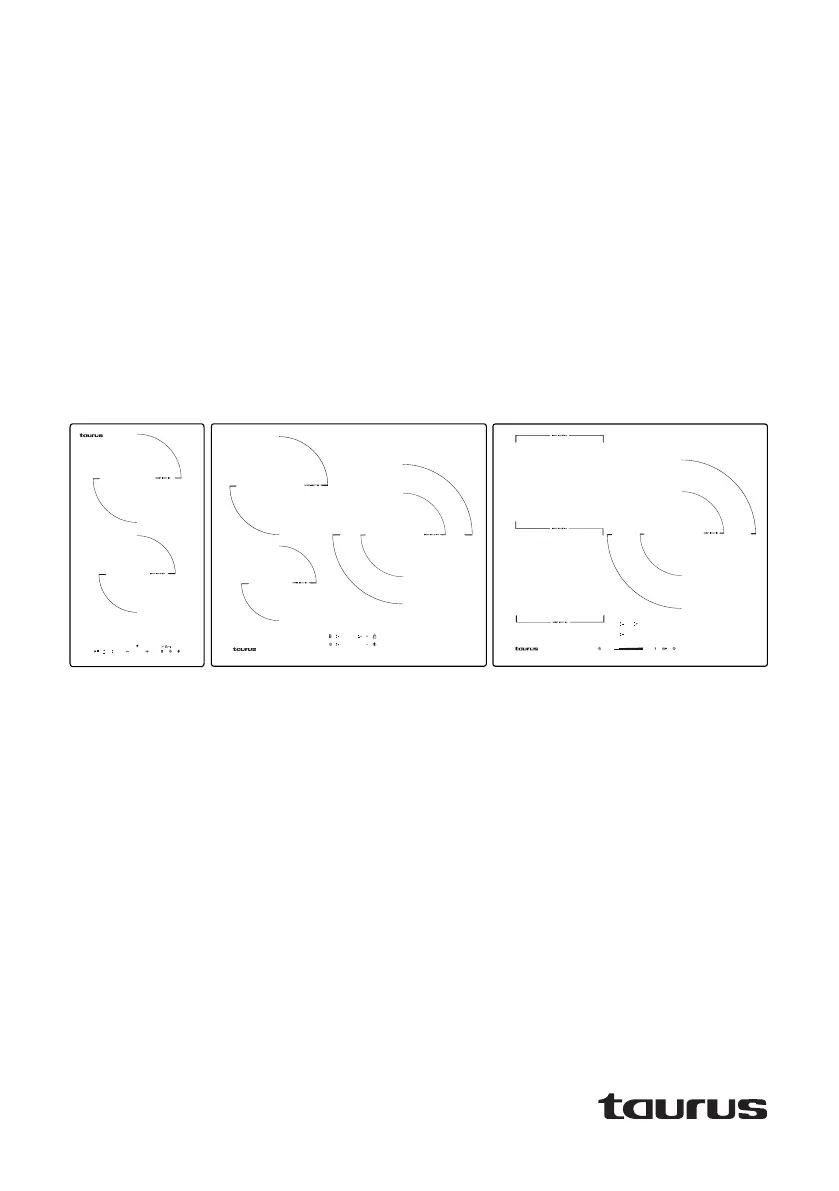
I3021T
ES. Instrucciones de uso
EN. Instructions for use
FR. Mode d’emploi
PT. Instruções de uso
CA. Instruccions d’ús
BG. Инстрүкция заупотреба
I603T
I603F
Downloaded by: pd-oliana on 30-01-2023 16:33 CET

Questions and Answers

  • W
    William HamptonSep 2, 2025
    What does code EL mean on Taurus Hob?
    • J
      jamesallenSep 2, 2025
      Code EL on your Taurus Hob indicates that the supply voltage is lower than the rated voltage. Check to see whether the power supply is normal. Switch on after the power supply returns to normal.
  • M
    Melanie WilsonAug 31, 2025
    What does code C1 mean on Taurus Hob?
    • W
      wrightrobertAug 31, 2025
      Code C1 on your Taurus Hob means the sensor temperature is too high. Wait for the hob temperature to return to normal. Touch the “ON/OFF” button to restart the unit.
  • C
    Christopher BrownAug 29, 2025
    Why did my Taurus Hob switch off automatically and display an error code?
    • R
      Ryan MooreAug 30, 2025
      If your Taurus Hob switches off automatically, emits a sound, and displays an error code, this indicates a technical fault. Make a note of the error and switch off the power to the induction hob.
  • M
    matthewsalinasAug 28, 2025
    What does code E1 mean on Taurus Hob?
    • J
      Jonathan CastilloAug 28, 2025
      Code E1 on your Taurus Hob indicates a temperature sensor error, specifically an open circuit. You should check the connection or replace the hob’s temperature sensor.
  • T
    Timothy FrancoAug 27, 2025
    What does code C2 mean on Taurus Hob?
    • M
      Melissa BrooksAug 27, 2025
      Code C2 on your Taurus Hob indicates that the IGBT temperature is too high. Wait until the IGBT temperature returns to normal. Use the “ON/OFF” control to restart the appliance. Check that the fan is working correctly. Otherwise replace the fan.
  • S
    Sheri GonzalesAug 25, 2025
    What to do if the cookware does not get hot on Taurus Hob?
    • P
      patrick94Aug 25, 2025
      If your cookware isn't heating up on the Taurus Hob and doesn't appear on the display, it might not be suitable for induction cooking. Ensure you're using induction cookware, that it's centered on the cooking area, and that the base is suitable for induction hobs.
  • R
    Rebecca ValenciaAug 22, 2025
    What to do if touch controls are difficult to operate on Taurus Hob?
    • J
      jessicaschneiderAug 23, 2025
      If the touch controls on your Taurus Hob are difficult to operate, ensure the control area is dry. Also, use the flat of your finger when touching the controls, not just the tip.

Summary

Installation Guide

Model Dimensions and Cutouts

Provides installation dimensions for 13021T, 1603T, and 1603F models.

Installation Procedures

Outlines steps for cutting worktop, sealing, ventilation, and fixing the hob.

Electrical Connection

Details mains connection requirements, wiring, and voltage checks.

Post-Installation Checks

Verifies cable accessibility, ventilation, isolation switch, and bracket installation.

Daily Hob Operation

Basic Cooking Instructions

Explains how to place cookware, turn on, select areas, and set power.

Cookware Requirements

Specifies suitable cookware types, base properties, and detection methods.

Advanced Hob Functions

Boost Function

Details how to activate the boost function for maximum power on cooking areas.

Cooking Guides and Safety Features

Automatic Safety Shut-off

Details the auto-off function and emphasizes not leaving the hob unattended.

Cleaning and Maintenance

Troubleshooting and Error Codes

Operation and Heating Issues

Addresses problems with hob power, controls, heating, and error displays.

Model-Specific Error Codes

Lists and explains error codes specific to the 13021T, 1603T, and 1603F models.

Taurus I3021T Specifications

General IconGeneral
TypeInduction Hob
Number of Burners/Cooking Zones2
Control TypeTouch Control
Voltage220-240 V
Frequency50/60 Hz
MaterialGlass Ceramic
Dimensions (WxDxH)590 x 520 x 60 mm
Safety FeaturesChild Lock

Related product manuals