14
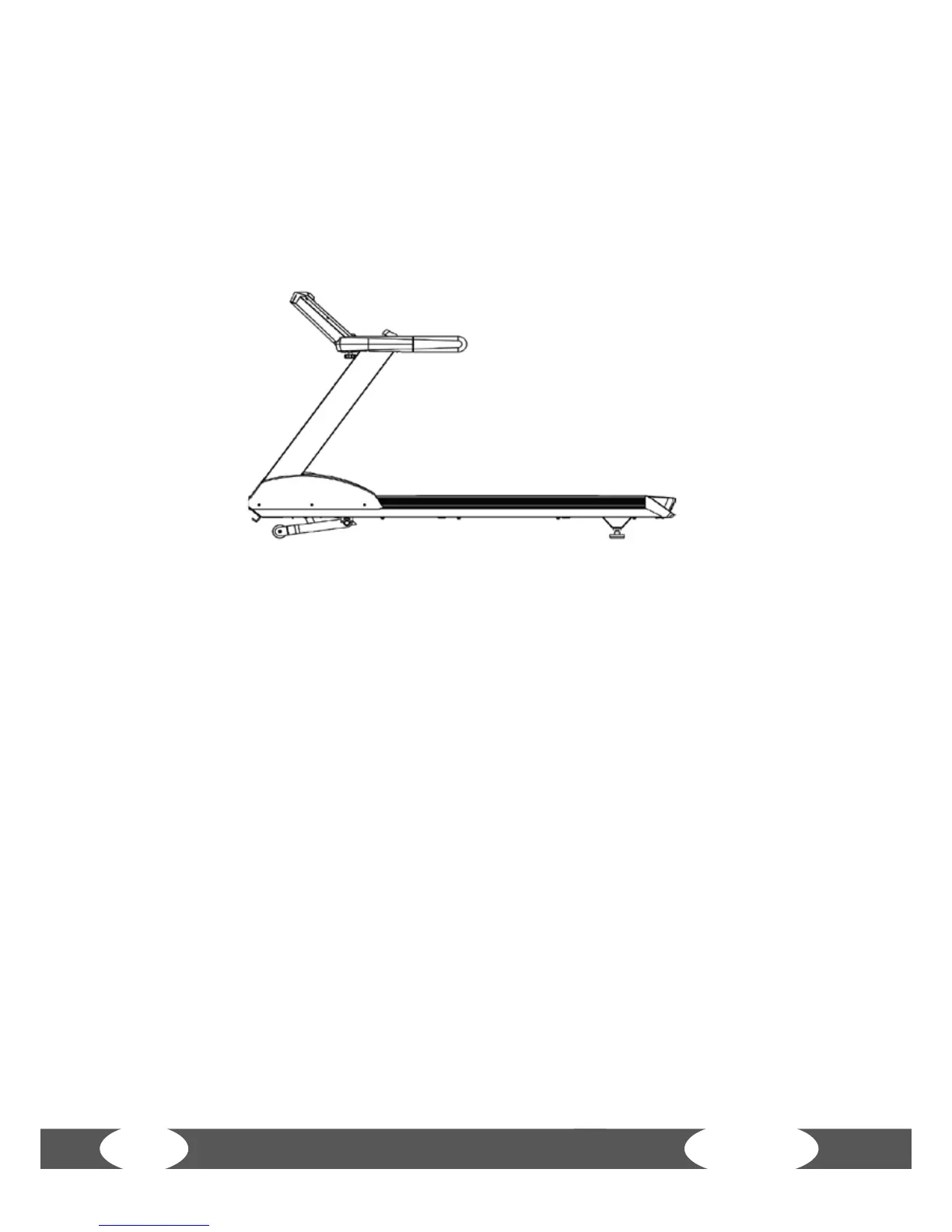
B. The incline angle of the treadmill is in the decline position (see image). Press STOP
and hold the button for a short time. Press the UP button simultaneously. Hold both
buttons simultaneously for about three to ve seconds. The incline motor forces the
treadmill to increase the incline height. Check if the value of the incline motor (it
is located next to the error specication) changes with the incline decrease and is
adjusted to 100. If the value changes with the incline, you can release the button in
order to bring the incline position to the dened position.
If the technical interference of the incline function cannot be repaired - after you have
done the steps above - then please contact the technical service of your contract
partner.
In order to still be able to reset the treadmill to the starting position, press STOP and
hold on to the treadmill. Then press the down button (slow lowering). Hold both
buttons for about three to ve seconds. The incline function stops in the defective
position and cannot execute the function. This incline function can be executed again
after the treadmill is restarted. Delete the incline function if you use the treadmill
before the problem is solved.


 To Next Page