31
Weight setting
KGS will appear in the large display eld, the default value “=70” is in the middle of the
display eld. Now use the +/- buttons in the PARAMETERS SETTING operating eld to
enter the body weight (23 to 180kg) and conrm your setting with ENTER.
Training level setting
After selecting a preset training program, the LEVEL option gives you the possibility
to execute the training according to certain levels of diculty. Ten saved levels,
L1~L10, are available on the display. Press the + or - button to set the desired level of
diculty. During input, the incline (ELEVATION) and speed windows (SPEED) show the
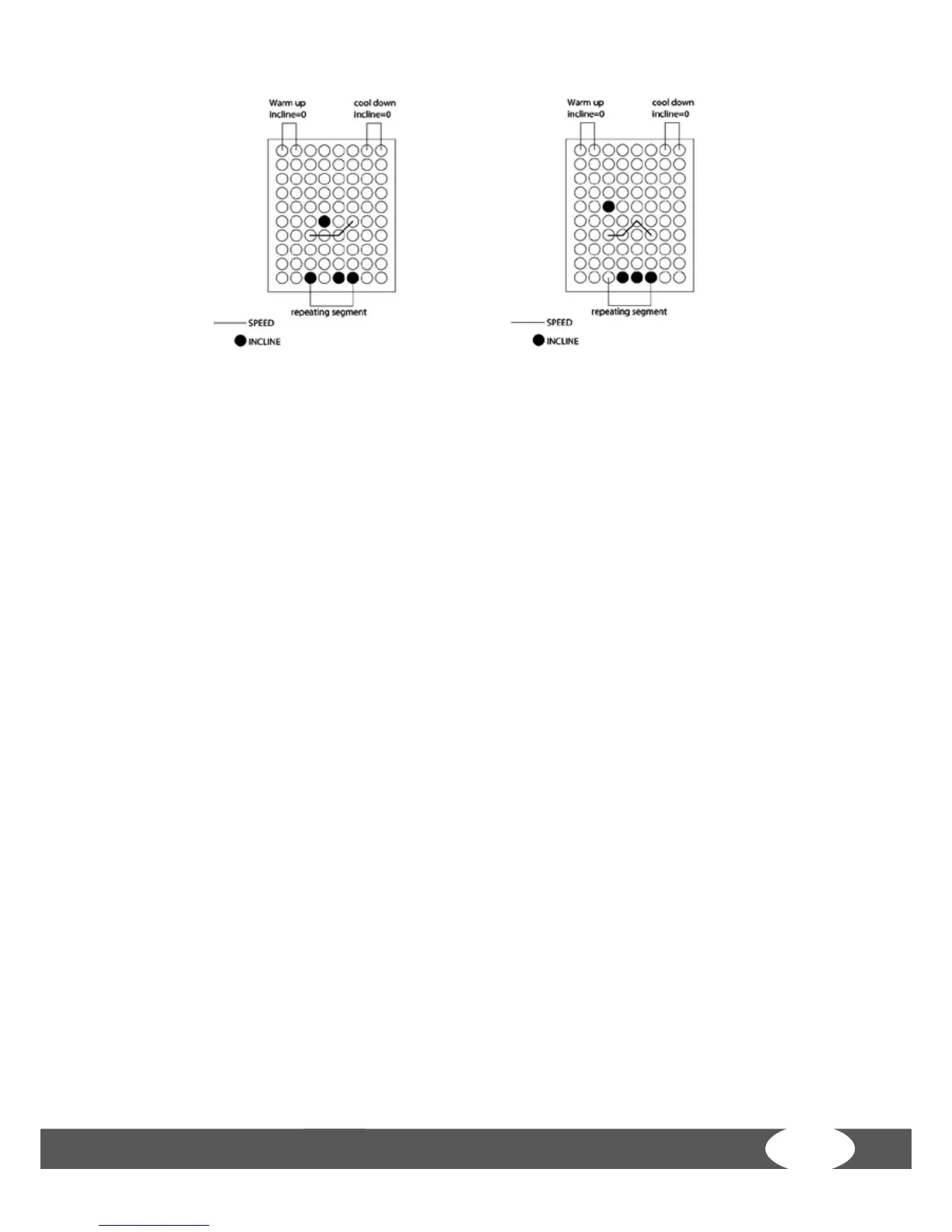
rst level values. The LCD matrix window shows the progress of the training program.
After this, press ENTER to set the time (TIME). The default value for the program is 30
minutes; the adjustable range is between 20~99 minutes (in 1 minute increments).
After setting, press ENTER or START to begin the running training.
If you skip the LEVEL option after selecting the training program and press the
START button directly, the information that has not been selected will be displayed
in accordance with the default values. Of course, you can always change the speed
(SPEED) and incline (ELEVATION) through the respective buttons.
LEVEL 9 LEVEL 10


 To Next Page