1110
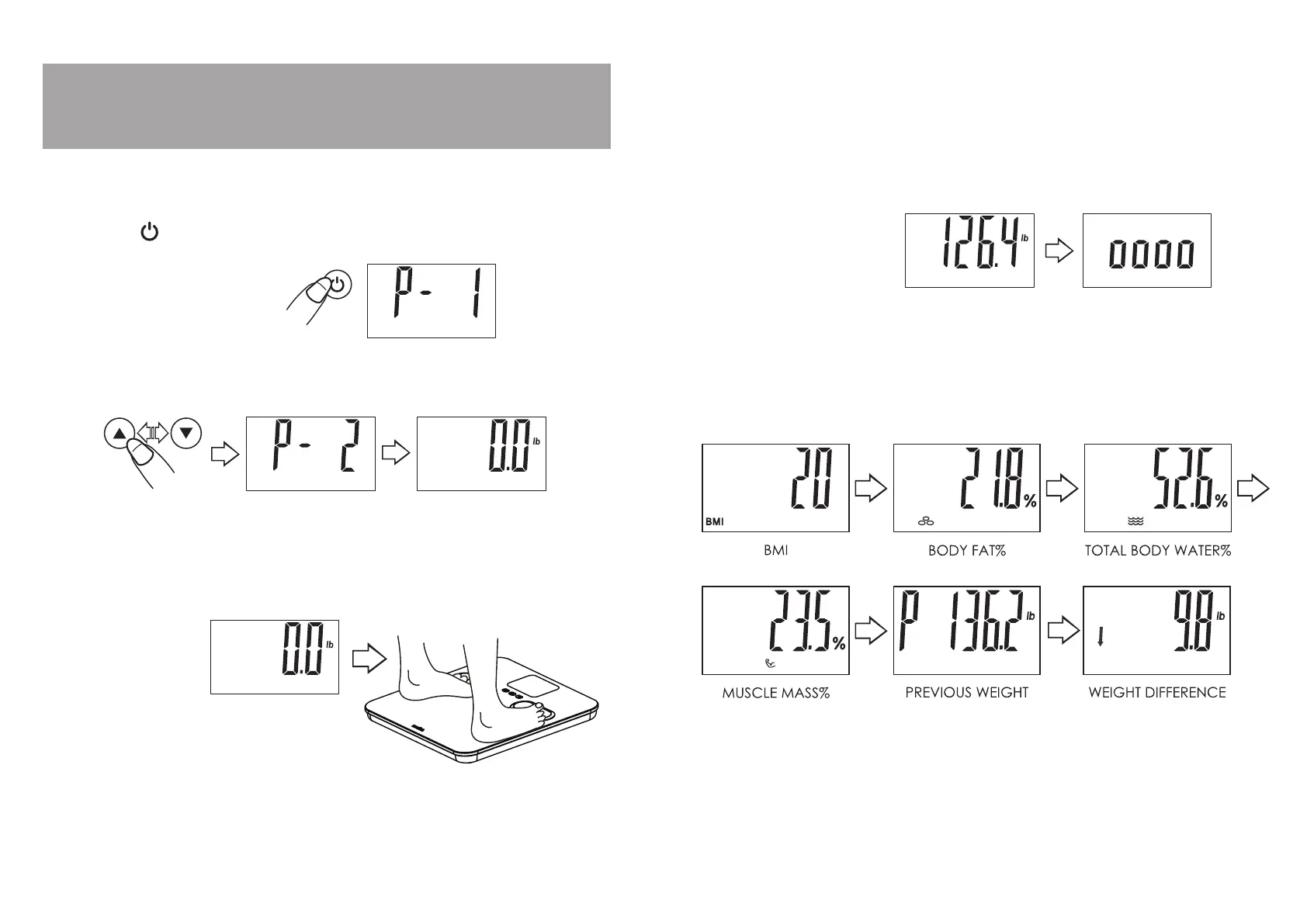
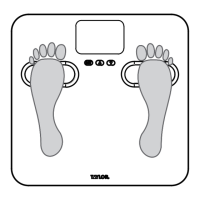
3. When “0.0” appears on screen, step on the scale with bare feet, positioning
your feet evenly on the scale platform with maximum contact with the metal
electrodes.
4. Stand still while the scale measures your weight.
How to Use Your Saved Profile To Estimate
Body Fat, Body Water and Muscle Mass
1. Press the “ ” button to turn the scale on. A memory number (P1-P4) blinks.
2. Press the “
s
” or “
t
” buttons until your memory number appears. Wait for
the screen to show “0.0”.
5. Your weight will display for 2 seconds, and then the scale will begin to
estimate your body composition. The screen shows a moving zeros
pattern (“oooo”) while estimating. Continue to stand still on the scale.
7. The results are repeated twice, and then the scale will turn off automatically.
6. After a few seconds, your BMI, body fat %, body water %, muscle mass %
and weight estimates will display.


 To Next Page