Need help?
Do you have a question about the TC Electronic Finalizer plus and is the answer not in the manual?
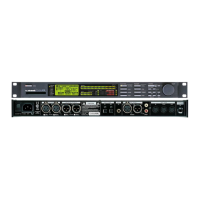
Details the controls and indicators on the front of the unit.
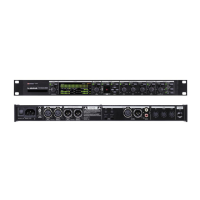
Describes the various input and output connectors on the back.
Steps for selecting and loading presets from memory banks.
How to recall specific blocks from different presets.
A practical example demonstrating partial recall.
Guide on saving presets and assigning names.
How to use PCMCIA cards for backup and storage.
Explains input sample rate options and conversion.
How to use the EQ and its available frequency/bandwidth ranges.
Describes how to route audio through external gear.
Optimizes signal level and headroom.
Smoothly eliminates overshoots and manages clipping.
Basic controls for Threshold, Ratio, and band levels.
Advanced settings for Attack, Release, and Side Chain/Delay.
Explains the importance and application of dither for digital audio.
Guides users through automated setup for material.
Allows comparison of original, edited, and bypassed audio.
Resets system parameters to user-defined defaults.
Saves the current setup as the default system configuration.
Resets all system parameters to factory defaults.
Specifications for digital connections and formats.
Specifications for analog connections and levels.
Specs for digital connections, including 96kHz support.
Specs for analog connections and levels for the 96 model.
Maps MIDI controller numbers to Finalizer parameters.
Tests for front panel button and dial functionality.
Verifies analog, digital, and MIDI input/output connections.
Solutions for no power or input meters not peaking.
Troubleshooting steps when no audio is passing through the unit.
Steps for connecting and calibrating the Master Fader.
 General
| Brand | TC Electronic |
|---|---|
| Model | Finalizer plus |
| Category | Processor |
| Language | English |


 To Next Page