Need help?
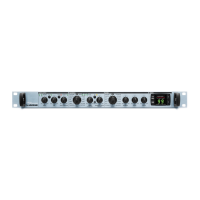
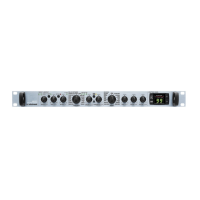
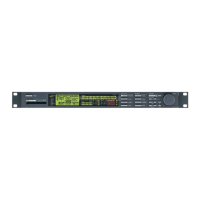
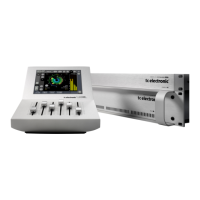
Do you have a question about the TC Electronic G-sharp M300 and is the answer not in the manual?
Reset unit and download the latest software version from the TC support site.
Press and hold TAP button, power on, observe 'r' blink in display, press load button.
Connect MIDI cable, start M300 app, press preset+arrow(up) buttons, power on for download mode.
Check all buttons and indicator lights on the unit for proper functionality.
Connect audio and SPDIF cables to input/output. Check analog and digital signals.
Listen for digital noise or crackling sound at the output to test all effects.
 General
| A/D/A Conversion | 24-bit |
|---|---|
| Effects | Reverb, Delay, Chorus, Flanger, Phaser |
| Inputs | 2 x 1/4" TS |
| Outputs | 2 x 1/4" TS |
| Type | Multi-effects processor |

 To Next Page