IM-4055
Installation, Operation & Maintenance Manual
6
Speed Control Options: ODP & TENV Motors (cont.)
as a speed reference for this option. In order to have the full speed control range available for a given fan/motor combination,
It is the responsibility of the installer/controls engineer
to ensure that any eld supplied controls are compatible and functional with this motor technology. TCF is not responsible
for eld supplied or customer designed fan or motor controls.
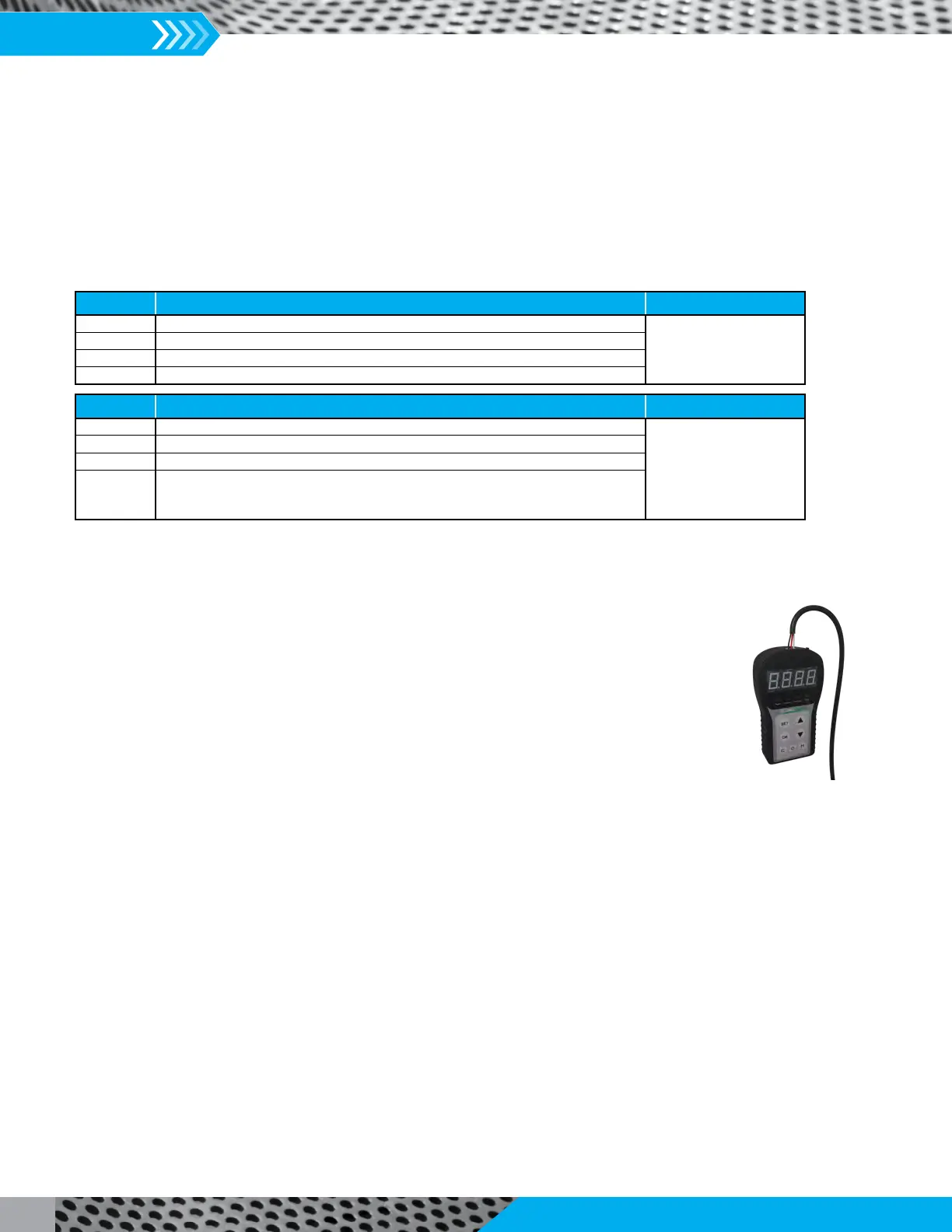
3. GridPoint Controller
Instructions
1. Fan must be running when the controller is used.
2. Turn the controller on and plug it into the motor. It will automatically connect.
3. The display will show the current speed. Power, Connect and Direction LEDs will be on.
speed, d000 (direction) and C000 (motor operation mode 0).
a. Press ‘SET’ for 2s.
b. Press the Up or Down arrow to display P000.
f. Press ‘O’ for 2s to send the command to the motor.
6. To set the speed for Constant speed operation:
a. Press ‘SET’ for 2s.
b. Press Up or Down arrow to select P001.
c. Press ‘OK’. The default value is ‘0’. Change to desired speed by following steps 5d and 5e.
d. Press ‘M’ for 2s to send the command to the motor.
a. Press ‘SET’ for 2s.
b. Press the Up or Down arrow to display P008.
c. Press ‘OK’.
d. Arrow Up or Down to select desired mode. (See Parameters section above for functionality.)
e. Press ‘OK’ to save the value.
f. Press ‘M’ for 2s to send the command to the motor.
DC Input Descripon Motor Part Numbers
0 – 1.9V Motor is O
67001701, 67001703,
67001704, 67001705,
67001715
2.0V Motor is On, at 200 RPM
2.0V – 8.5V Motor is On, speed linear between 200 RPM and maximum speed (set by pot)
8.5V – 10V Motor is On, at maximum speed
DC Input Descripon Motor Part Numbers
0 – 1.9V Motor is O 67001001, 67001003,
67001004, 67001005,
67001008, 67001015,
67001103, 67001104,
67001105, 67001115,
67002101
2.0V Motor is On, at low RPM
2.0V – 8.5V Motor is On, speed linear between low and maximum speed (set by pot)
8.5V – 10V Motor is On, at maximum speed


 To Next Page
 Loading...