5
Phone call
Making a call
From the Phone app, use the keypad to enter the phone
number, or keyboard to enter the contact name. Then tap
to place the call.
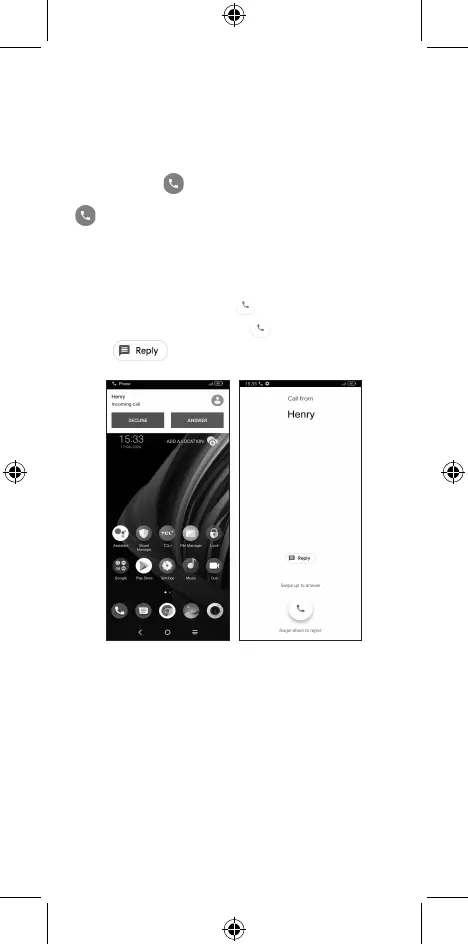
Answering a call
When you receive a call:
• Tap ANSWER, or swipe up to answer;
• Tap DECLINE, or swipe down to reject;
• Tap to reject the call by sending a preset
message.



 To Next Page