1
Contents
2 Welcome
1 Before you begin
4
3
What’s in the box 4
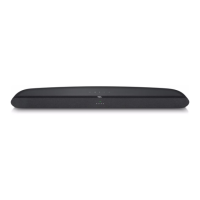
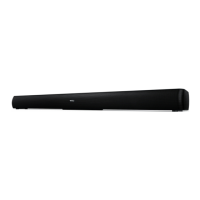
Overview of the Sound Bar main unit 6
Overview of the wireless subwoofer 8
Overview of the remote control 9
Set up your Sound Bar system 11
Mount your Sound Bar main unit on the wall 11
Position your subwoofer 15
Install/replace the remote control batteries 15
3 Connect your Sound Bar system 17
Connect with the HDMI cable 17
Connect with the optical cable 19
Connect with the 3.5mm-to-3.5mm audio cable 21
Connect your Sound Bar to power supply 22
Connect the Sound Bar with your Bluetooth device 23
Connect your wireless subwoofer to the Sound Bar 25
4 Use your Sound Bar system 27
Use your Sound Bar with the top panel or remote
control
27
Sound settings 29


 To Next Page