6
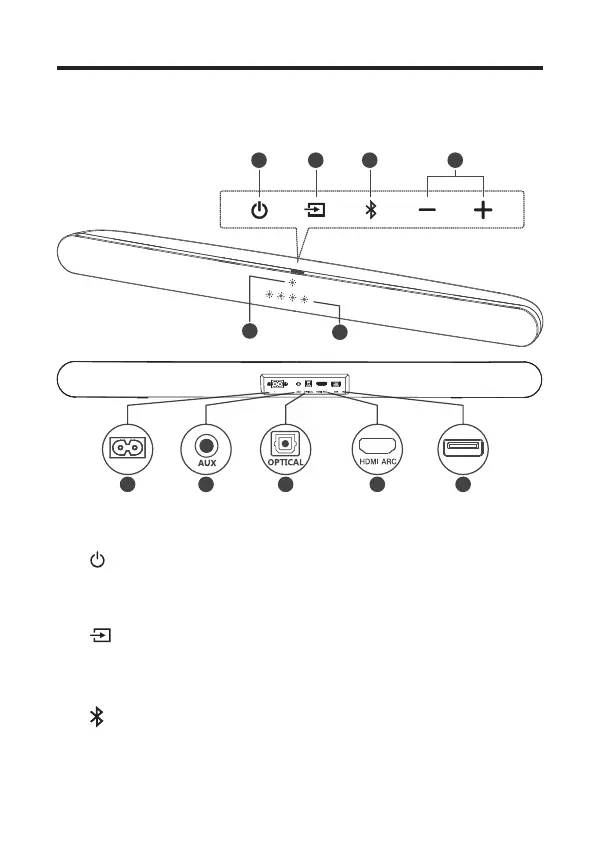
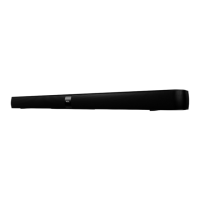
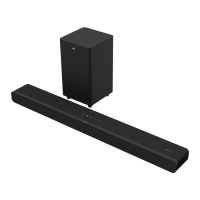
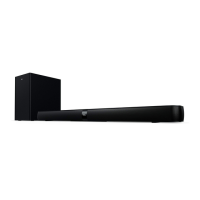
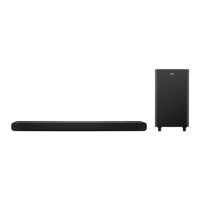
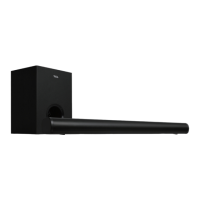
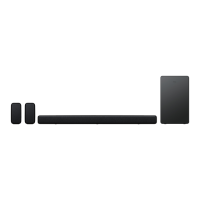
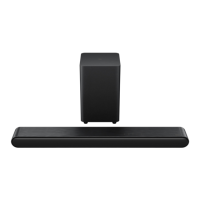
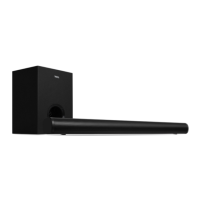
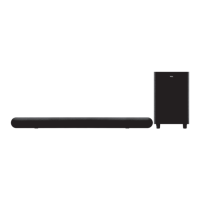
Overview of the Sound Bar main unit
6
5
1 2 3 4
USB
7 8 9 10 11
~AC IN
1
Press to turn the Sound Bar main unit on or to standby
mode.
2
Press to switch the audio source among
HDMI/Optical/AUX/USB/Bluetooth modes.
3
Press to select the Bluetooth function. Press and hold
to enter the pairing mode.
AC IN


 To Next Page