5
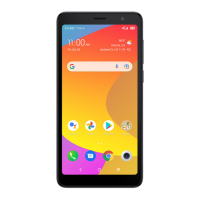
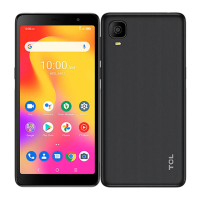
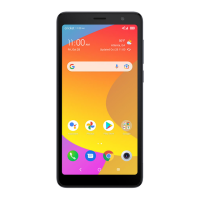
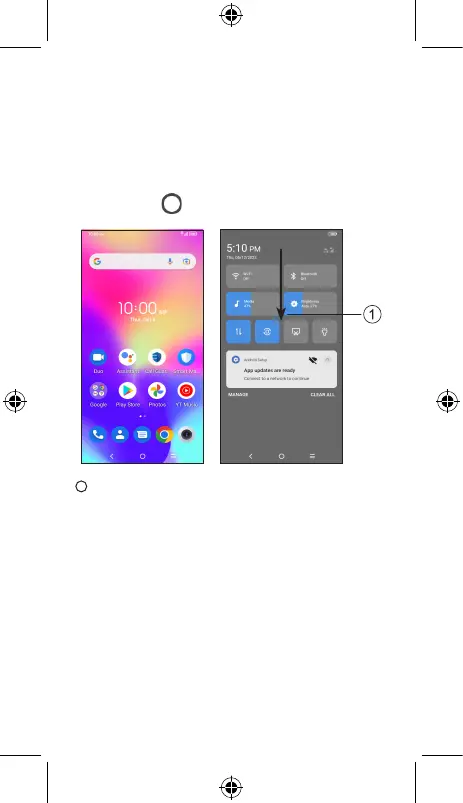
Home screen
You can bring all of the items (applications, shortcuts,
folders) that you use most frequently to your Home screen
for quick access.
Tapping Home always takes you back to the main
Home screen.
1
Drag down from the status bar to open the Notifications
and Quick settings panel.


 To Next Page
 Loading...