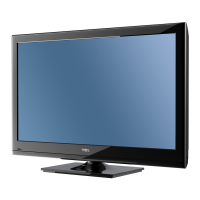
27’’ LCD TV Color Monitor TCL LCD-27VSE
28
6. White Balance, Luminance Adjustment
Instrument List:
Chroma 2225、VG848、Chroma 7120
Adjustment Process:
① Instrument Orientation
Connect LCD-TV、Chroma 2225 and VG848, and set Timing137、Pattern1 on Chroma2225. Chroma7120’s lens
must aim at the center of Pattern1 showed on the LCD-TV’s screen. The distance of Chroma7120’s lens and the
center of screen is 20cm±1cm.
② ENTER FACTORY
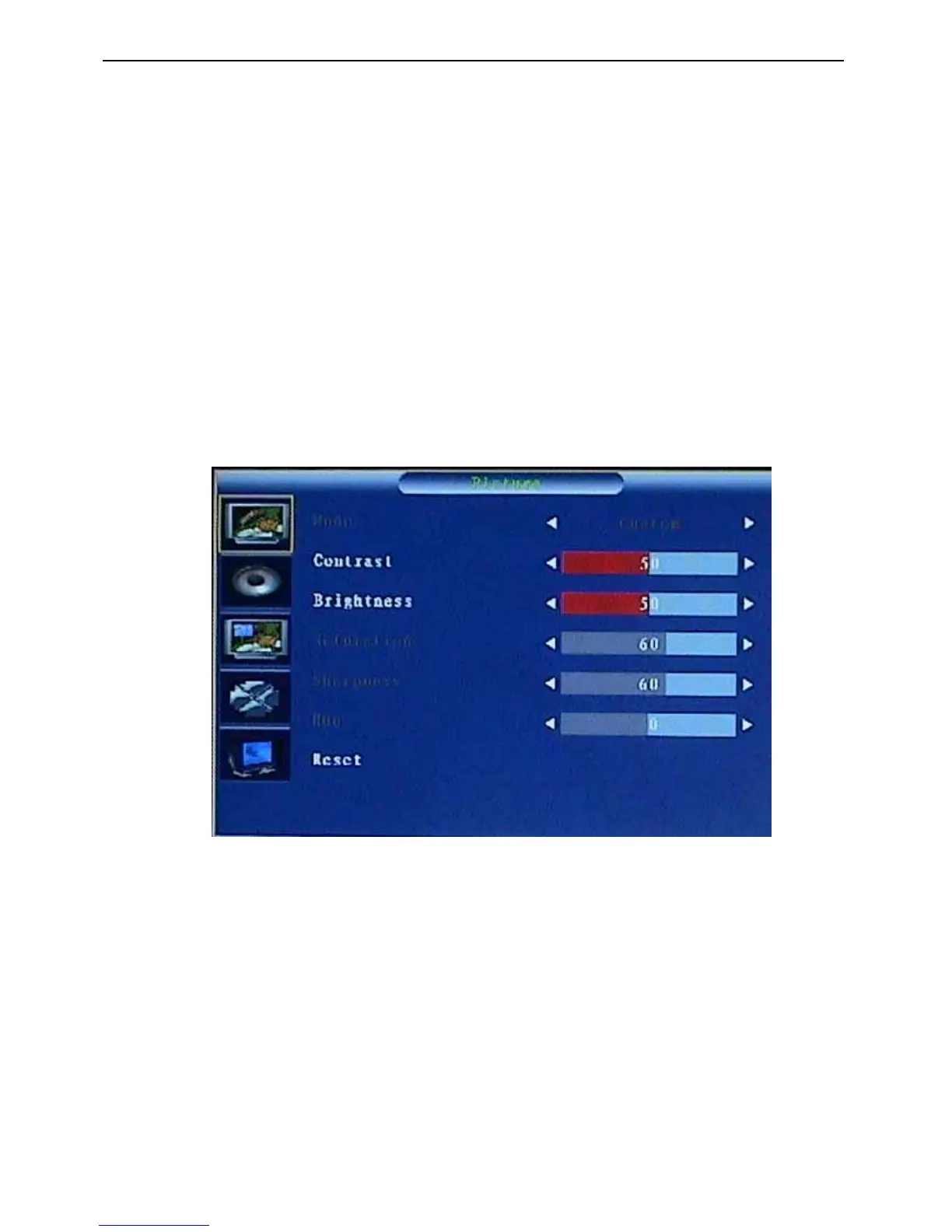
After orientation OK, set Pattern104(black picture) on Chroma225.Press 1-9-9-9 on remote to enter the menu
on top left of the screen(refer to fig.1,this menu will show slowly), then from UP key(△) option to enter the menu
(refer to fig.2).
Fig.1


 To Next Page