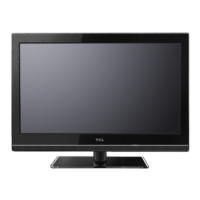
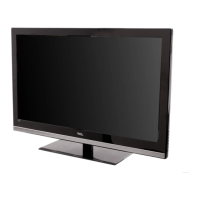
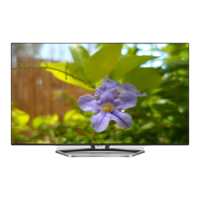
27’’ LCD TV Color Monitor TCL LCD-27VSE
6
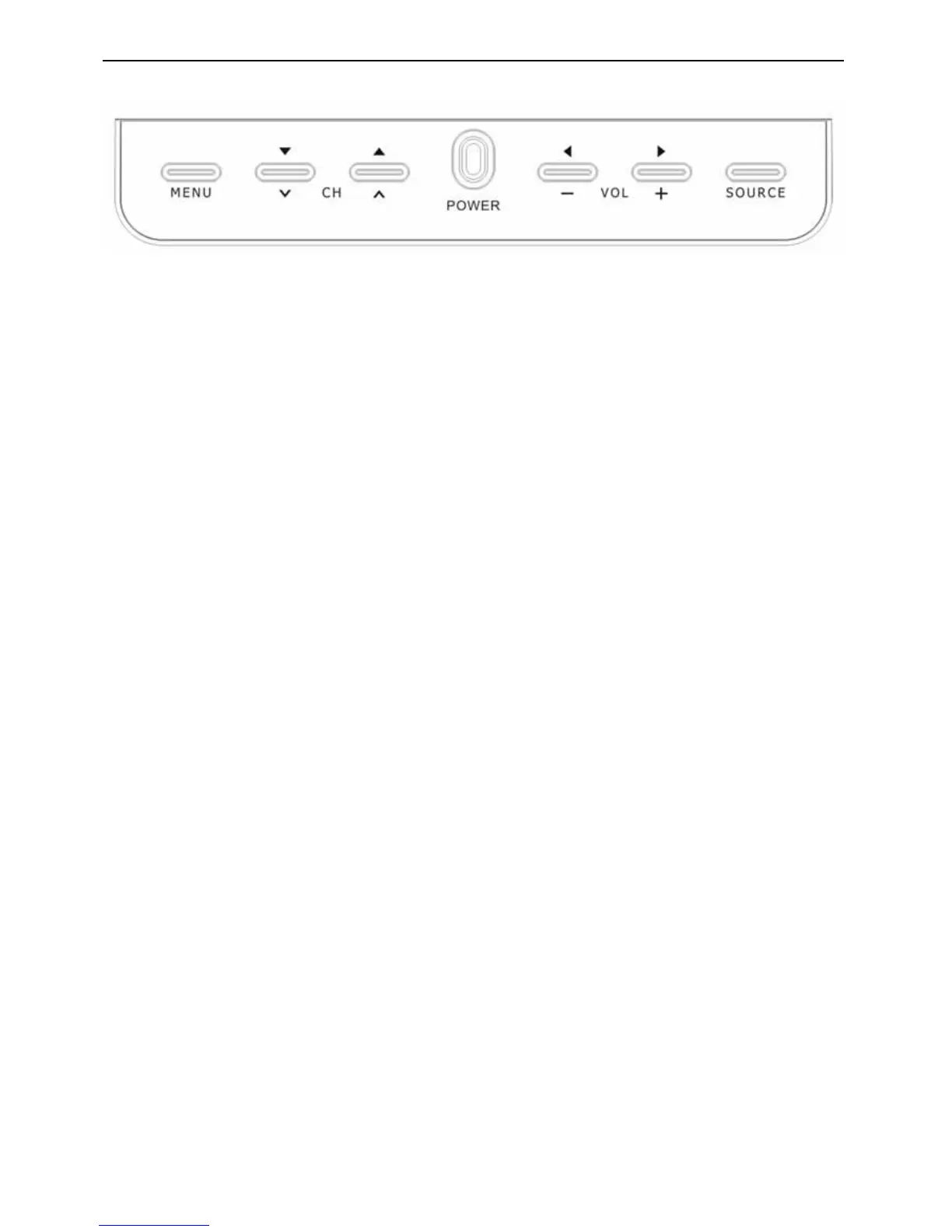
2.3 Front Panel Control Knobs
Power Key : Press to turn on or off the TV.
MENU Key : Press to show the OSD menu and exit OSD menu at the TV.
Down / Up Key : Press to perform select function and channel.
-/ + Key : Press to confirm your function selection and adjustment.
Source Key : Press to select your input source.
There is a wide range of video and audio equipment that can be connected to your TV. The following connection
diagrams show you how to connect them.


 To Next Page