EN-4 EN-5
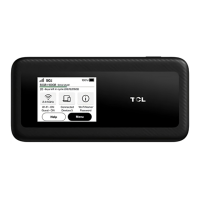
Home
Network signal strength
LAN connection
USB connection
LINKZONE Wi-Fi network
Connected devices
Wi-Fi name/password
No network service
SIM card not available
SIM card locked
Unread messages
The battery is fully charged.
The battery is running low.
The bttery is chrging.
Status icons
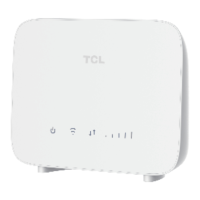
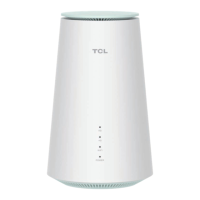
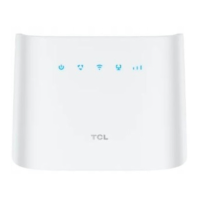
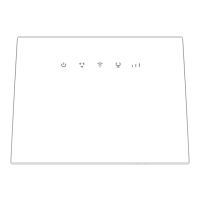
LED Guide
LED Status Description
Green Connected to home network
Amber Roaming Network
Red Not connected to network
White Device is on
For a full list of definitions (LED may be blinking and
other times solid color), see the User Manual at
Verizon.com



 To Next Page