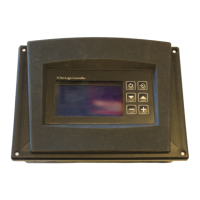
TCNet Boiler Controller
User and Service Manual
6
Quick Reference
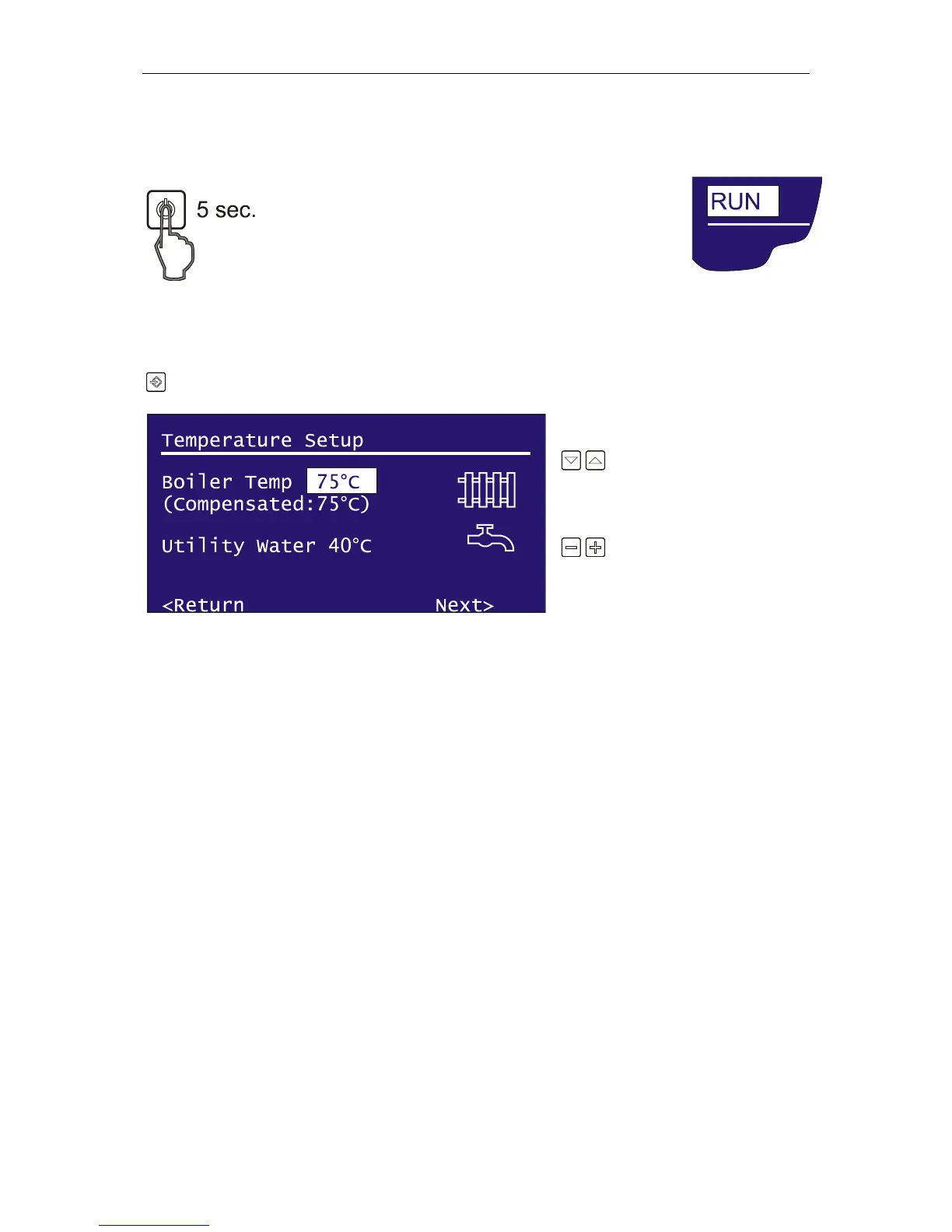
Starting and Stopping Your Boiler
Please hold the power key to either run or stop your boiler.
The power state will be highlighted when you press the power
key.
Setting up The Temperature of Boiler or Utility Water
Press the Input key to enter the Temperature Setup menu.
Press navigation keys to
highlight boiler temperature or utility
water temperature.
Press adjust keys to change
the temperature.
To return operation menu, navigate
to “<Return” with navigation keys and press Input key.
To jump User Preferences Menu, navigate to Next> and pres input key.


 To Next Page