63
Rename: This option is only valid for analogue channels. Press the [GREEN] key
on the channel that you wish to rename.
Favourite: Press the [FAV] key to mark the channel on which the cursor is as favourite.
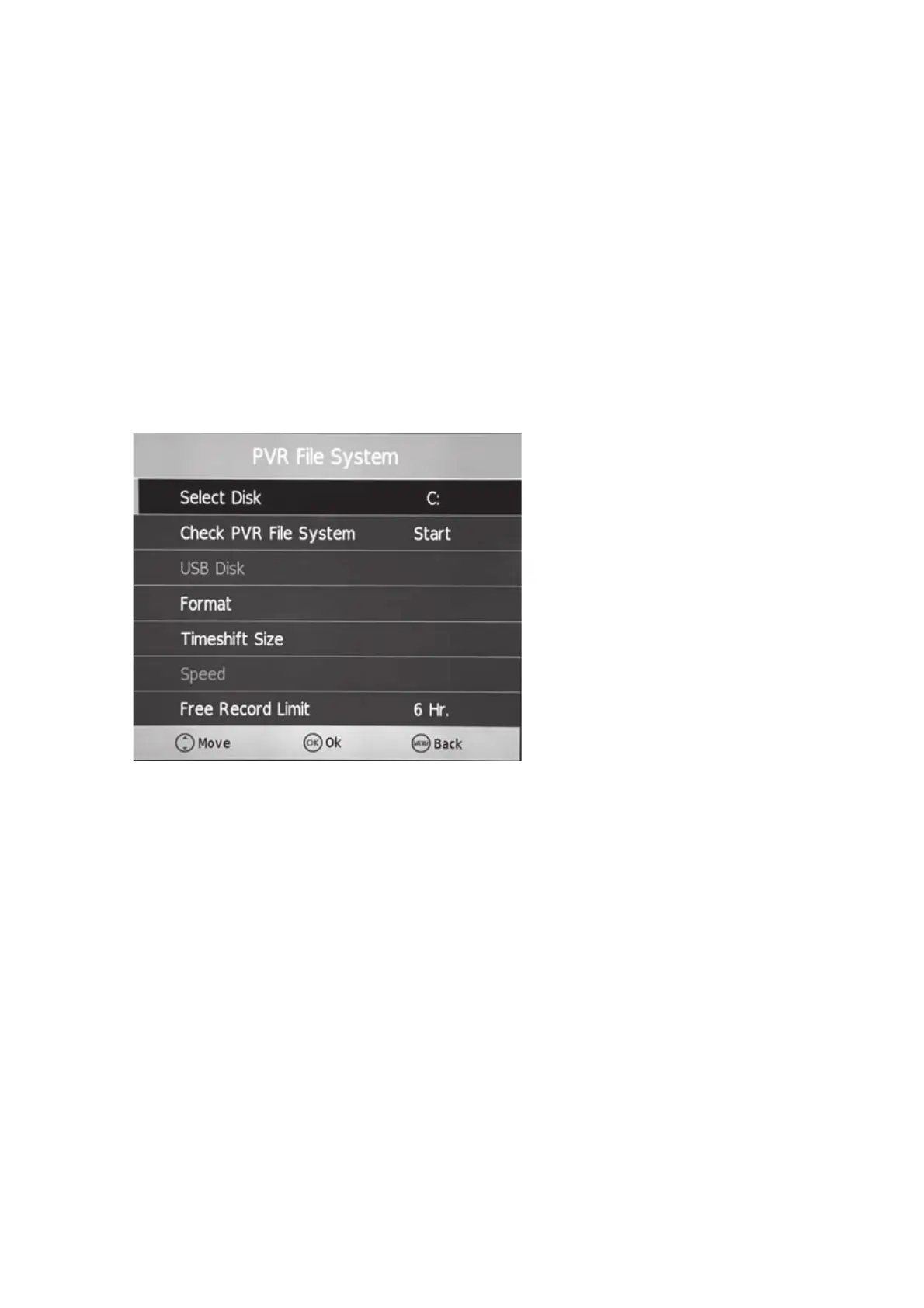
5.2.5. PVR File System
To configure the PVR file system, press the Menú key and select the
[SETTINGS] option. With the up and down keys, locate [PVR File System] and
press the [OK] key to enter.
In this submenu you can format the unit, set the size of the partitions or indicate
the space reserved for the TIMESHIFT function.



 To Next Page