46
Button Functions
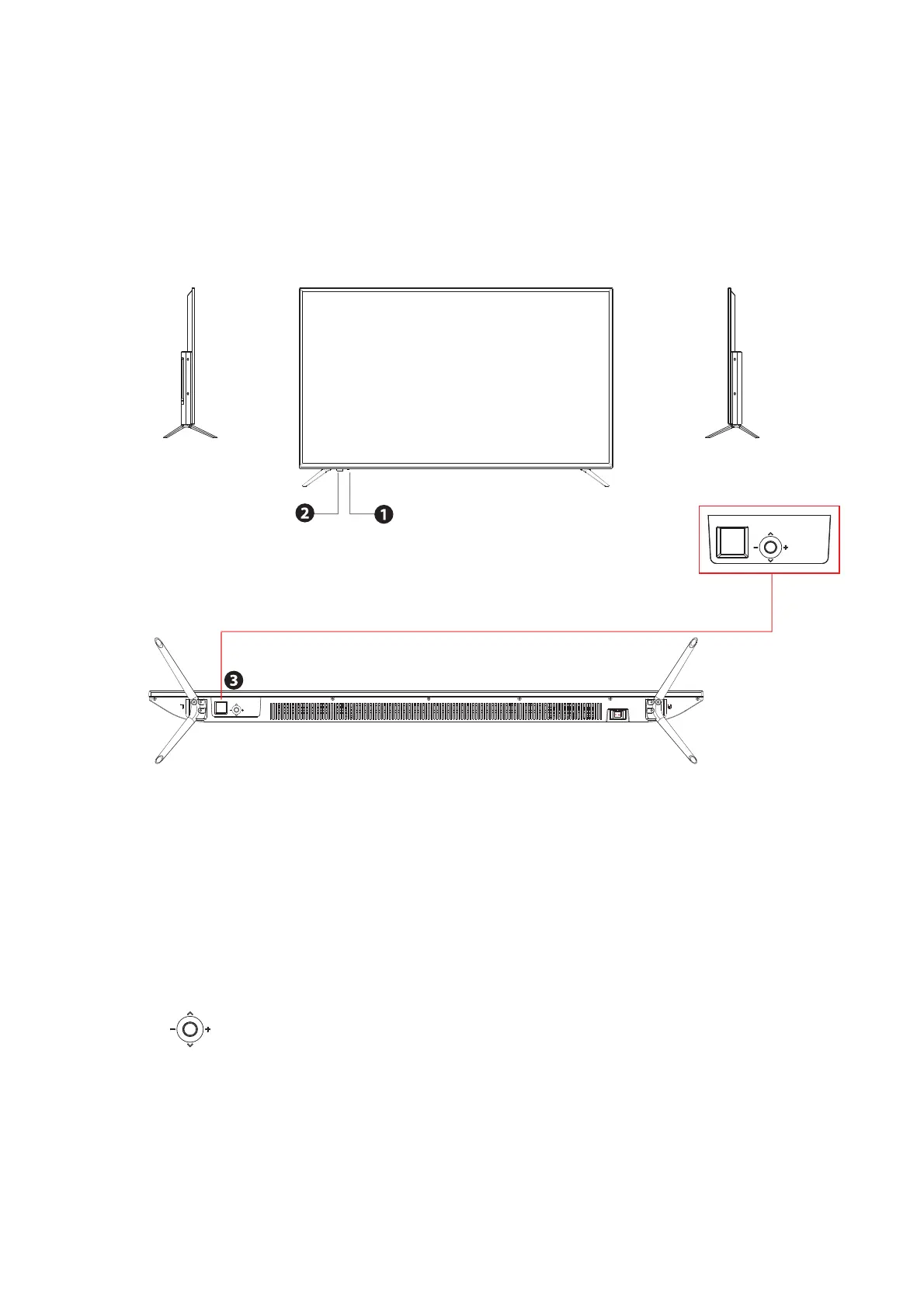
1.POWER LED:Lights green when the TV is on. The TV will be in standby mode.
The LED will change from red to green when the timer programming (PVR) starts
in standby mode.
2.
IR:Receives infrared signals from the remote control.
Do not put anything near the sensor, it may affect its operation.
3. Press the to power on.
To change the source, press forward and keep pressed 1-2 seconds.
MENÚ: To access the menu, press backwards and keep pressed 1-2 seconds.
Once in the user menu, move to left/right or press forward/ backward to change
the wheel use,and change the volume +/- moving to right or left.
2.3. Your LED TV
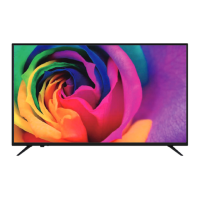
FRONT/LEFT/RIGHT VIEW AND CONTROLS
Right side view Front view Left side view


 To Next Page