1-86 System 3
RZ-UDP Communications Interface
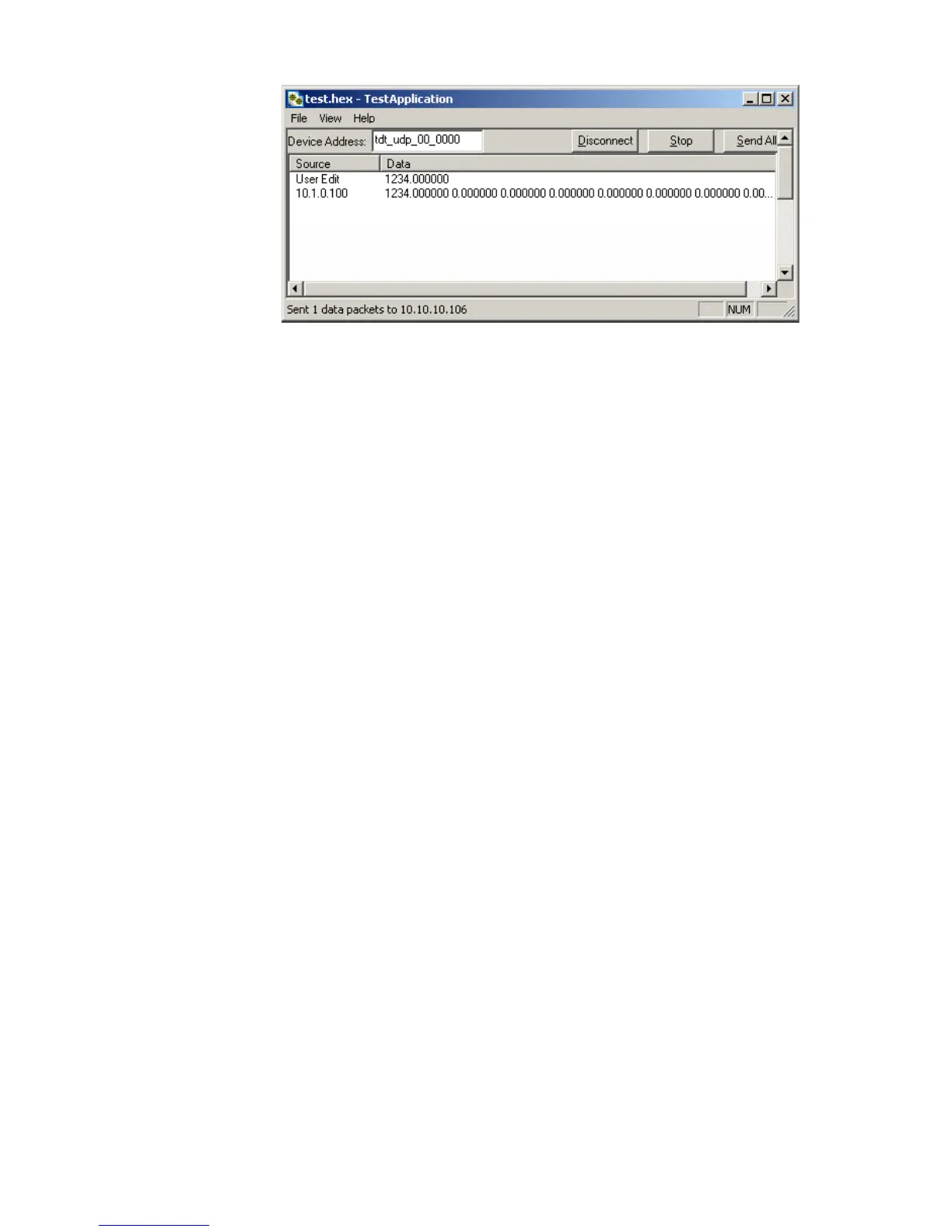
The Test Application runs separate threads for sending and receiving data so
it is possible to listen (wait for a data packet to be received) while
sending, connecting to a device, or disconnecting from a device.
WritingaCustomSoftwareApplication
The Test Application is designed to be used as a diagnostic tool for the UDP
Ethernet Interface. Custom software applications are fully supported for any computer
language that supports IP network protocols. Several basic steps are required in order
to configure the UDP interface for sending and receiving data packets as illustrated
in the following Python code.
The basic initialization script below must be included to initialize the UDP interface:
# import network methods
import socket
# UDP command constants
CMD_SEND_DATA = 0x00
CMD_GET_VERSION = 0x01
CMD_SET_REMOTE_IP = 0x02
CMD_FORGET_REMOTE_IP = 0x03
# enter RZ's IP address or NetBIOS name here:
TDT_UDP_HOSTNAME = 'TDT_UDP_0000000 '
# Important: the RZ UDP interface port is fixed at 22022
UDP_PORT = 22022
# create a UDP socket object
sock = socket.socket( socket.AF_INET, # Internet
socket.SOCK_DGRAM ) # UDP
# bind preliminary IP address and port number to the PC
sock.bind(("0.0.0.0", UDP_PORT))
# connect the PC to the target UDP interface
sock.connect((TDT_UDP_HOSTNAME, UDP_PORT))


 To Next Page