EasyManua.ls Logo

Teac A-1250S - Page 17

Teac A-1250S
24 pages
Print Icon
To Next Page IconTo Next Page
To Previous Page IconTo Previous Page
Loading...
Recording
Sound-on-Sound
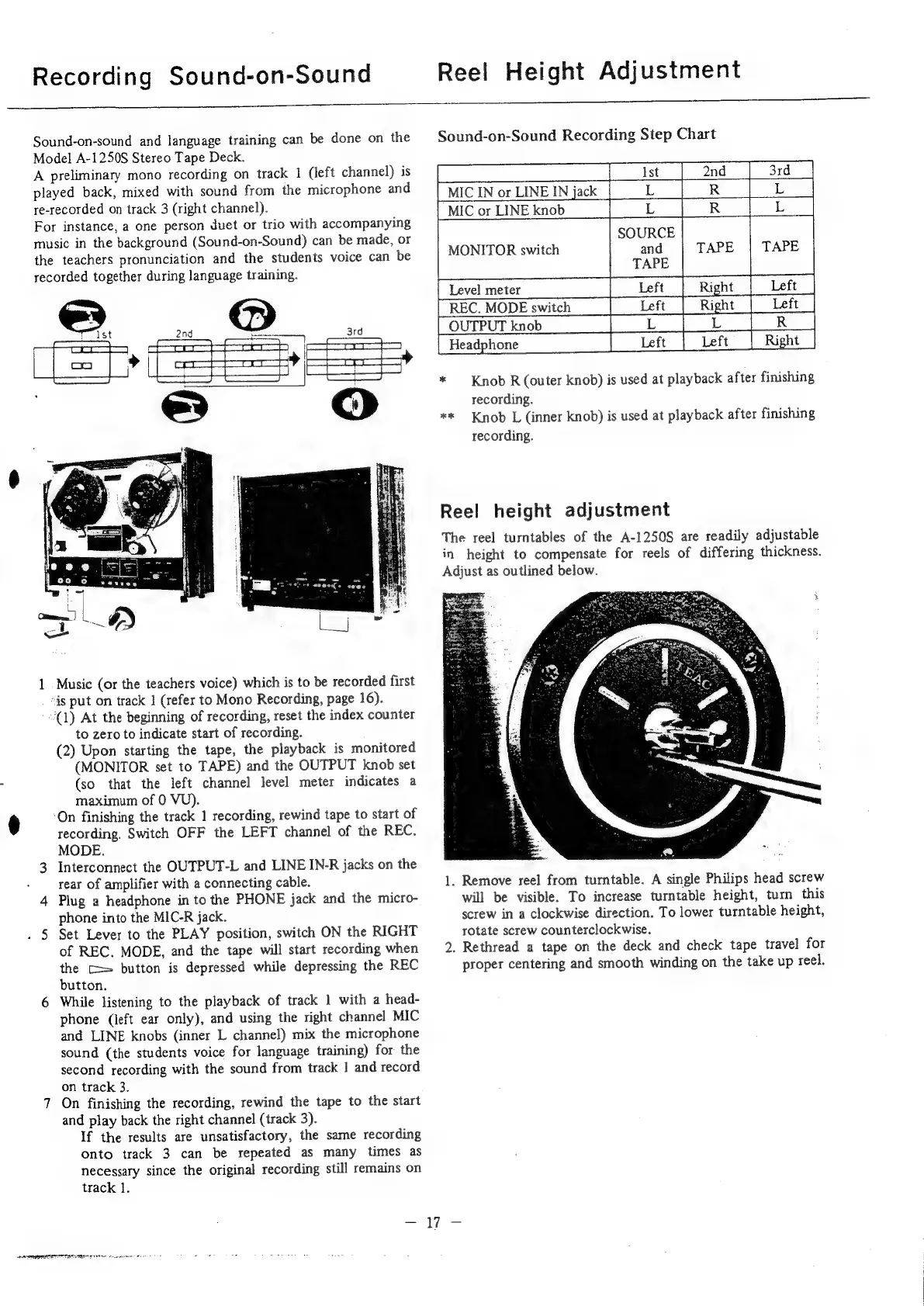
Sound-on-sound
and
language
training
can
be
done
on
the
Model
A-1250S
Stereo
Tape
Deck.
A
preliminary
mono
recording
on
track
1
(left
channel)
is
played
back,
mixed
with
sound
from
the
microphone
and
re-recorded
on
track
3
(right
channel).
For
instance,
a
one
person
duet
or
trio
with
accompanying
music
in
the
background
(Sound-on-Sound)
can
be
made,
or
the
teachers
pronunciation
and
the
students
voice
can
be
recorded
together
during
language
training.
1
Music
(or
the
teachers
voice)
which
is
to
be
recorded
first
is
put
on
track
1
(refer
to
Mono
Recording,
page
16).
(1)
At
the
beginning
of
recording,
reset
the
index
counter
to
zero
to
indicate
start
of
recording.
(2)
Upon
starting
the
tape,
the
playback
is
monitored
(MONITOR
set
to
TAPE)
and
the
OUTPUT
knob
set
(so
that
the
left
channel
level
meter
indicates
a
maximum
of
0
VU).
‘On
finishing
the
track
1
recording,
rewind
tape
to
start
of
recording.
Switch
OFF
the
LEFT
channel
of
the
REC.
MODE.
3
Interconnect
the
OUTPUT-L
and
LINE
IN-R
jacks
on
the
rear
of
amplifier
with
a
connecting
cable.
4
Plug
a
headphone
in
to
the
PHONE
jack
and
the
micro-
phone
into
the
MIC-R
jack.
.
5
Set
Lever
to
the
PLAY
position,
switch
ON
the
RIGHT
of
REC.
MODE,
and
the
tape
will
start
recording
when
the
C=
button
is
depressed
while
depressing
the
REC
button.
6
While
listening
to
the
playback
of
track
1
with
a
head-
phone
(left
ear
only),
and
using
the
right
channel
MIC
and
LINE
knobs
(inner
L
channel)
mix
the
microphone
sound
(the
students
voice
for
language
training)
for
the
second
recording
with
the
sound
from
track
|
and
record
on
track
3.
7
On
finishing
the
recording,
rewind
the
tape
to
the
start
and
play
back
the
right
channel
(track
3).
If
the
results
are
unsatisfactory,
the
same
recording
onto
track
3
can
be
repeated
as
many
times
as
necessary
since
the
original
recording
still
remains
on
track
1.
Reel
Height
Adjustment
Sound-on-Sound
Recording
Step
Chart
pe
ee
oe
ee
SE
nd
oes
MIC
IN
or
LINE
IN
jack
L
R
MIC
or
LINE
knob
L
R
SOURCE
and
TAPE
PREC.
MODE
switch
|
_Left_|
Right
|
Left_|
[OUTPUTknob
|
SET
TR
Left
*
Knob
R
(outer
knob)
is
used
at
playback
after
finishing
recording.
**
Knob
L
(inner
knob)
is
used
at
playback
after
finishing
recording.
MONITOR
switch
Reel
height
adjustment
The
reel
turntables
of
the
A-1250S
are
readily
adjustable
in
height
to
compensate
for
reels
of
differing
thickness.
Adjust
as
outlined
below.
1.
Remove
reel
from
turntable.
A
single
Philips
head
screw
will
be
visible.
To
increase
turntable
height,
turn
this
screw
in
a
clockwise
direction.
To
lower
turntable
height,
rotate
screw
counterclockwise.
2.
Rethread
a
tape
on
the
deck
and
check
tape
travel
for
proper
centering
and
smooth
winding
on
the
take
up
reel.
-W7-
eA
RETO
LRC
I
ec
lenm
e

Related product manuals