27
ENGLISH
3
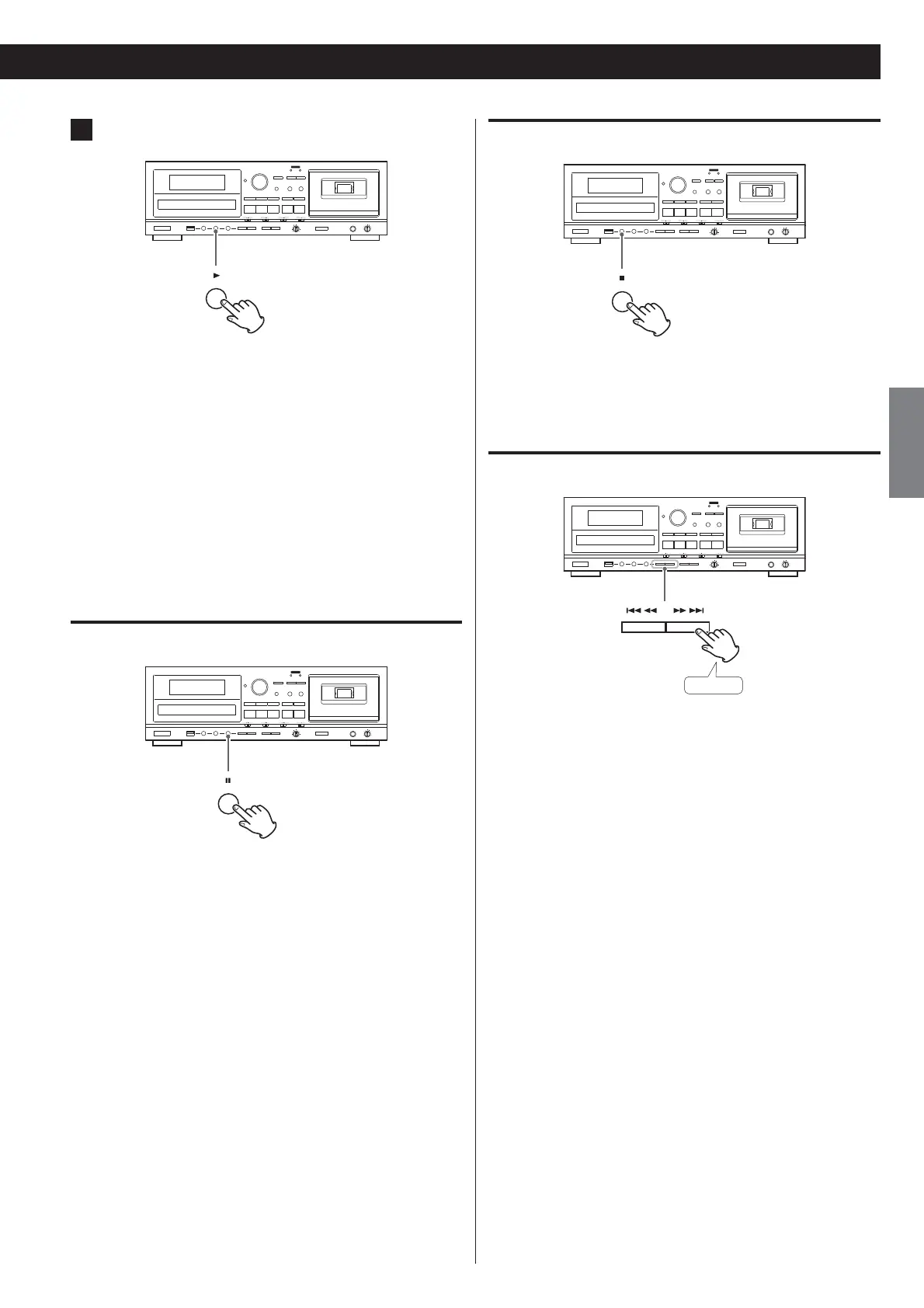
Press the USB Play (
U
) button to start playback.
When playback of all the files has finished, the unit stops
automatically.
MP3 files that are not put in folders are automatically put in the
“ROOT” folder. Playback starts from the first file in the ROOT
folder.
See page 38 for information about the playback order of MP3
files.
Pausing playback temporarily
Press the USB Pause (+) button during playback to stop playback
at the current position.
To resume playback, press the USB Pause (+) button again or press
the USB Play (
U
) button.
Stopping playback
Press the USB Stop ()) button to stop playback.
Search for a part of a file
Hold down
During playback, hold down a USB Search ( or ) button
to search for a part of a file. Pressing and holding a Search button
increases the search speed.
Release it when you find the beginning of the part that you want
to hear.



 To Next Page