50
Listening to an External Source
1
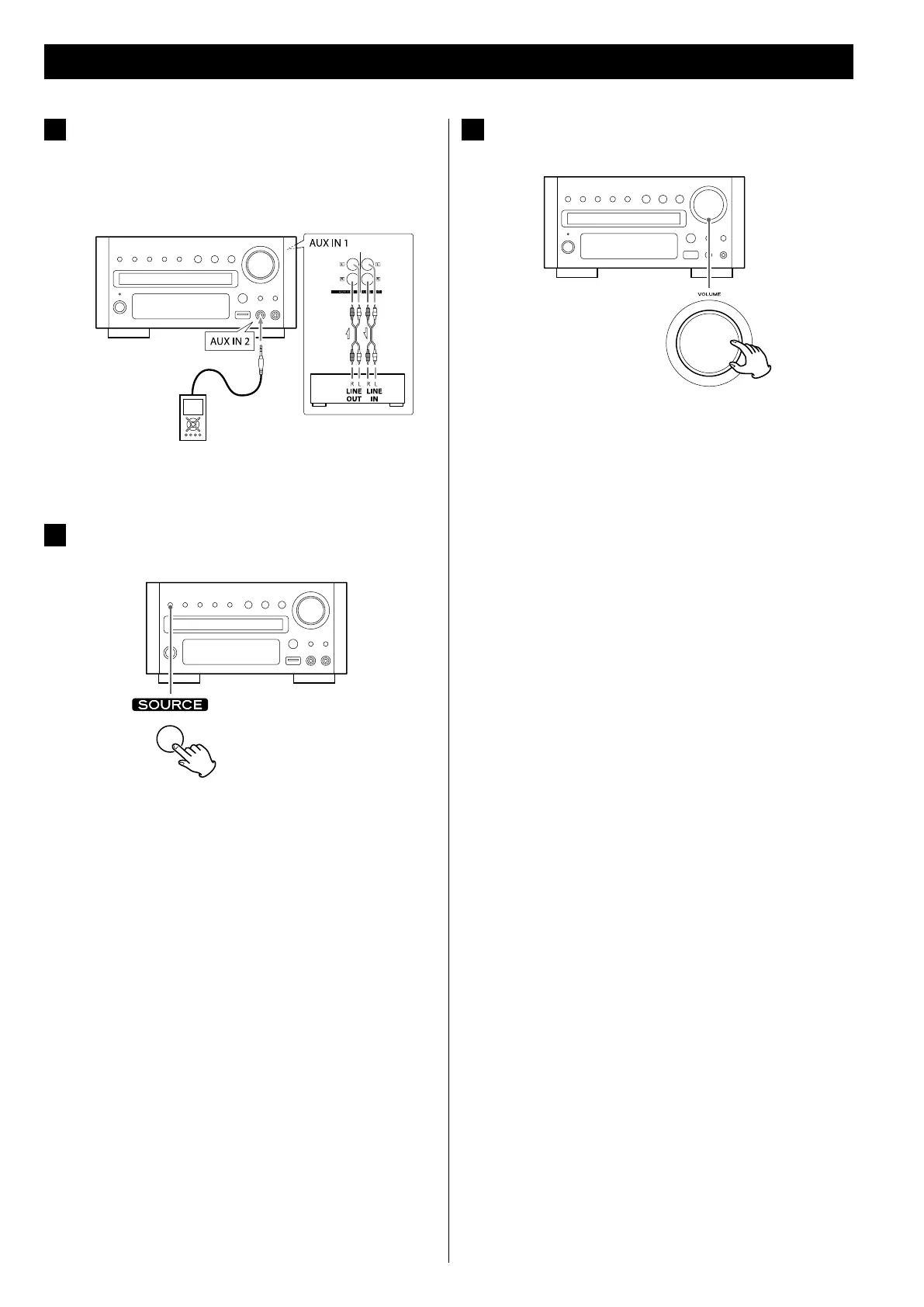
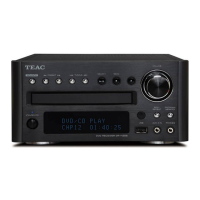
Connect a cassette tape deck etc. to AUX 1 IN jack of the
DR-H358i using commercially-available RCA cables.
Or Connect the PHONES jack or audio output jack of a
portable audio player to the AUX 2 IN jack of the
DR-H358i.
< When you connect the portable audio player to AUX 2 IN jack of
the DR-H358i, use the supplied stereo mini plug cable.
2
Press the SOURCE button to select “AUX1 Source” or
“AUX2 Source”.
< You can also select “AUX1 Source” or “AUX2 Source” by pressing
the AUX button on the remote control unit once or twice.
3
Play the source, and adjust the volume using the VOLUME
knob of the DR-H358i and of the audio player.
When using the PHONES jack of your mini player, you must
adjust the volume of the mini-player or you may hear no sound
from your DR-H358i.
< Turning the volume of the mini player up too high may cause
the sound from your DR-H358i to be distorted. If this is the
case, reduce the volume of the mini player until the distortion
stops and then adjust the volume level of the DR-H358i to a
comfortable listening level.


 To Next Page