10
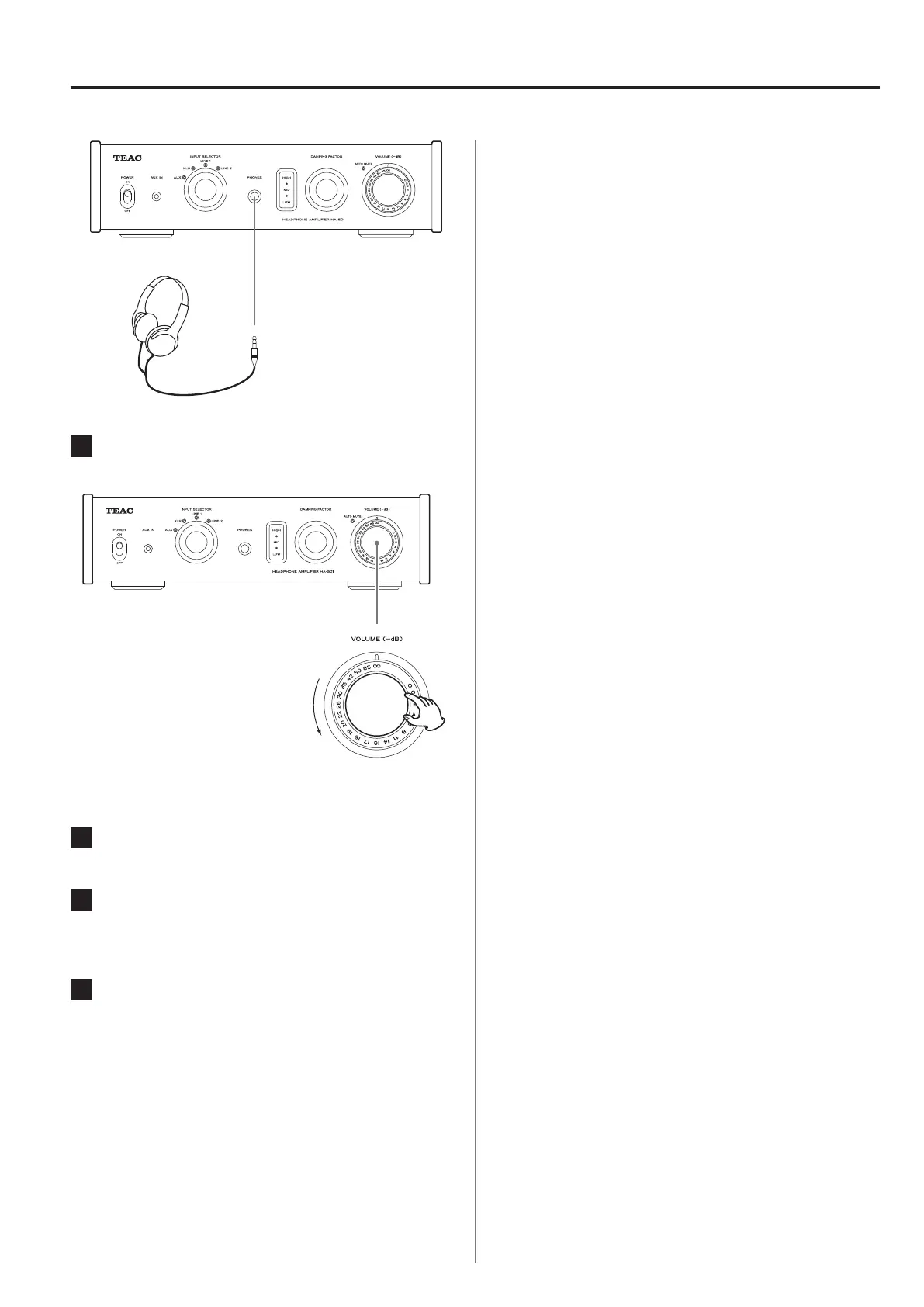
Connecting headphones
1
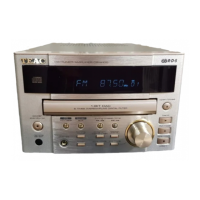
Turn the VOLUME knob to its minimum
value (−∞ dB).
−∞ dB: Minimum volume
0 dB: Maximum volume
2
Turn the power ON.
3
Insert the headphones' plug (standard
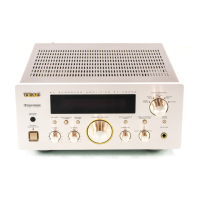
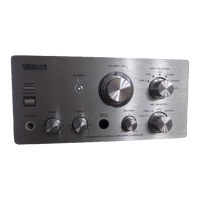
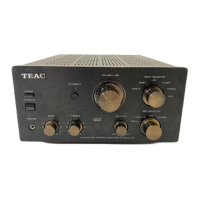
6.3 mm (1/4") stereo) into the PHONES jack.
4
Gradually adjust the VOLUME knob.
V
Do not connect or disconnect headphones
or turn the power ON or OFF while wearing
them.
Sudden loud noises could occur, which might
cause hearing damage.
Always minimize the volume (−∞ dB) before putting
on headphones.
Using the DAMPING FACTOR knob
Impedance differs among models of headphones.
In order to allow you to enjoy optimal audio quality from
a variety of headphones, this unit has a DAMPING FACTOR
knob.
Adjust this setting as you like according to the head-
phones and music.
o
When set to a high value, the sound will be crisper
and livelier. When set to a low value, the sound will be
calmer and softer.
o
Use headphones with impedance ratings between 16 Ω
and 600 Ω with this unit.



 To Next Page