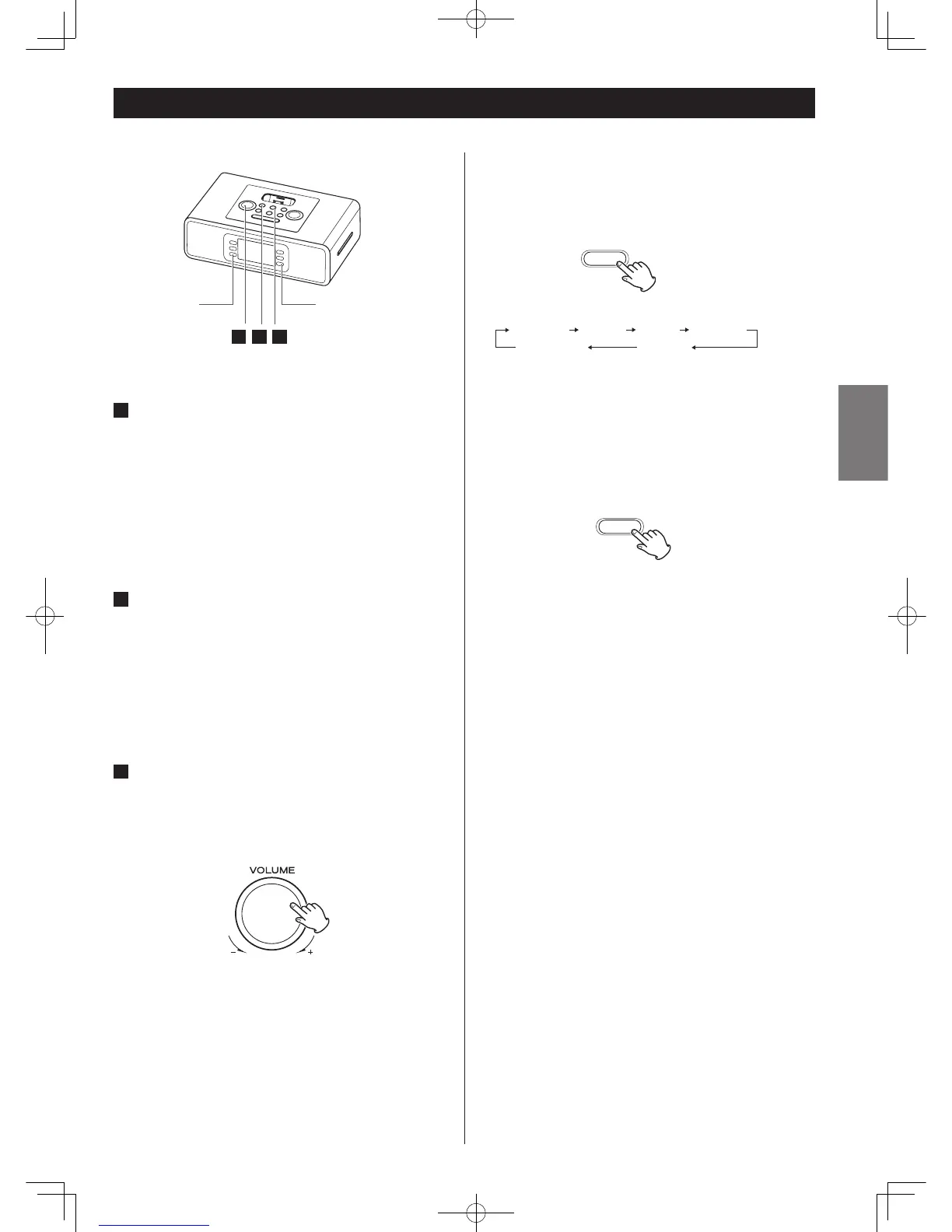
EQ FUNCTION
Press the EQ button to select ROCK, POP, CLASSIC, JAZZ,
BASS or NORMAL for the desired sound effect.
MUTING FUNCTION
To mute the sound temporarily, press the MUTING button.
Press the MUTING button again to restore the sound.
< The "MUTE" indicator lights on the display to indicate that
the muting is engaged.
< If you change the volume or source during the muting, the
muting will be cancelled.
Basic Operation
3
1
2
1
POWER ON
Press the STANDBY/ON button to turn the unit on.
< The unit turns on with the source that was last selected. If the
iPod that is in playback mode is inserted into the Dock, the
HD-1 will automatically turn on and start playback of the
iPod.
2
SELECT SOURCE
Press the FUNCTION/WAKE TO button to select a source.
< To listen to an external source connected to the AUX IN jack,
select AUX.
< If you select “iPod” when no iPod is docked, the iPod
indicator "No iPod" on the display.
3
VOLUME ADJUSTMENT
Turn the VOLUME UP or DOWN knob on the HD-1 (or press
Volume+ or Volume- button on the remote control) to
adjust the system volume.
The volume is adjustable from MIN (0) to MAX (32). Hold
down the VOLUME – or + button to turn down or up the
volume continuously.



 To Next Page